
A RenderCV alternative matters when the bottleneck isn't YAML or Typst. It's the rest of the application workflow. Large-company hiring already runs through ATS screening at scale, with Fortune 500 adoption reported at 98.4% in one industry summary and 97.8% in another, which is why resume structure now matters as much as visual polish in many hiring pipelines (ATS usage summary). The better move for many technical candidates is to switch from a code-first generator to a workflow that keeps content reusable, exports dependable PDFs, and lets you ship customized versions quickly.
That comes with a real cost. A more guided or polished RenderCV alternative may give up CLI control, self-hosting, perpetual access, or deep layout customization. If local builds, Git-native diffs, and full ownership of the render pipeline are the point, RenderCV still makes sense.
For developers, data people, DevOps engineers, and other technical applicants, the comparison isn't template count. It's whether the tool cleanly separates resume content from presentation while staying ATS-safe, preserving plain text, and making role-specific versioning painless. That's the lens here.
1. Resumey.Pro
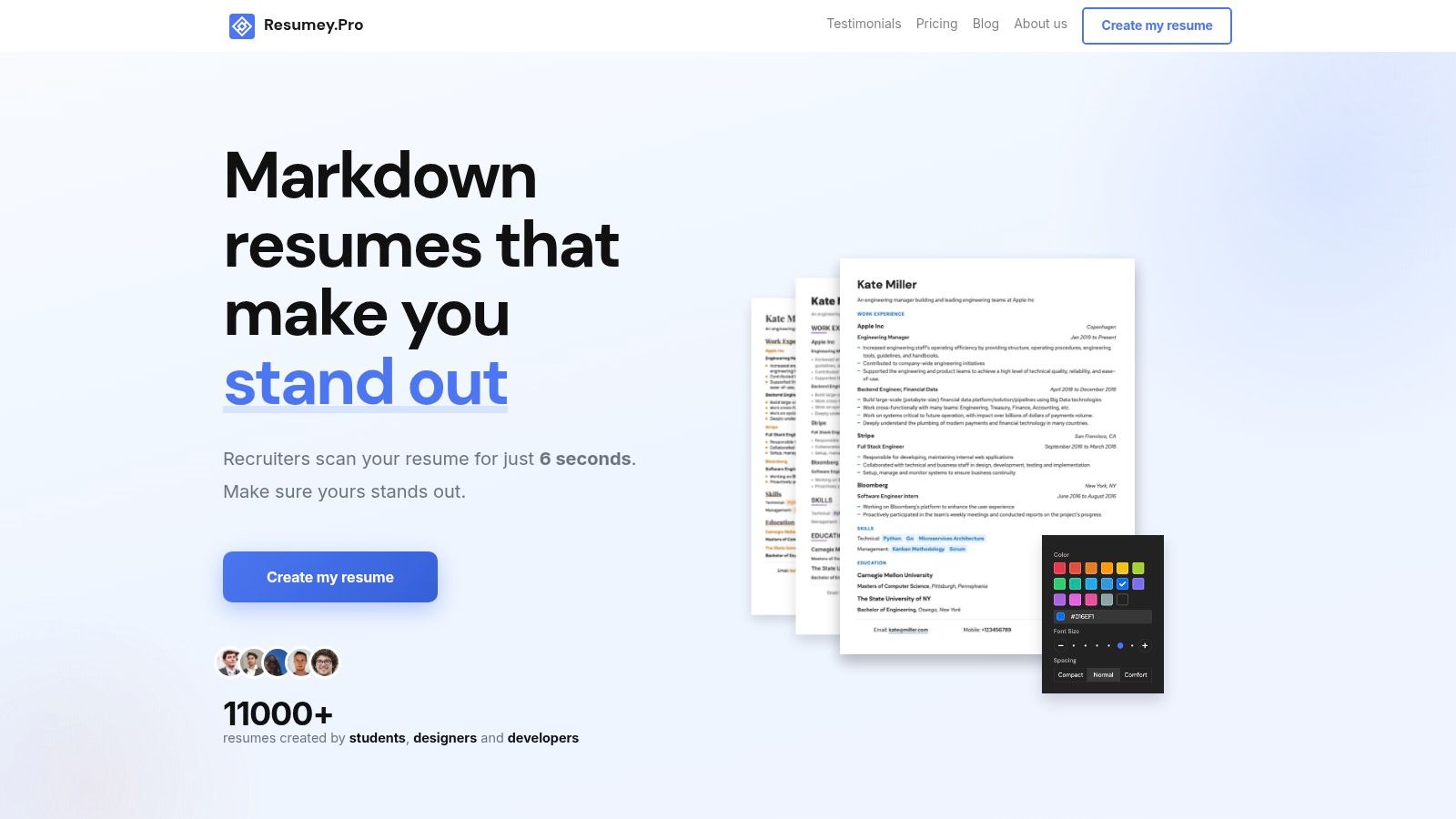
Resumey.Pro makes the clearest case against using RenderCV for every technical resume workflow. If you want to keep resume content in Markdown, reuse that content across role-specific versions, and export dependable PDFs without maintaining a local render stack, it solves the practical problem directly.
The distinguishing choice here is separation. Content stays in structured text. Presentation sits on top as a template layer you can switch later. That is the part many resume builders still get wrong. A visual editor often mixes writing and formatting together, while a code-first tool can keep them separate but asks you to own the toolchain, fonts, exports, and update friction.
Resumey.Pro sits in the middle in a useful way. You write in a browser-based Markdown editor, get live preview while editing, and can convert imported resumes into Markdown instead of rebuilding everything by hand. If you keep a master resume and fork targeted versions for platform engineering, data roles, or backend jobs, that workflow holds up well. You can clone a version, trim bullets, swap a template, and keep the underlying content intact.
That template switching matters more than template count. The value is that Altair, Bellatrix, Capella, Cyrus, Indus, Lyra, Orion, Rigel, Sirius, and Vega all sit on the same content model. You are not rewriting spacing, section order, or layout every time you test a different look.
ATS-readability is the other reason it stands out. As noted earlier, parsing issues usually come from layout decisions that break reading order. Resumey.Pro avoids a lot of that risk by sticking to structured output instead of decorative tricks that look good in an editor and fail after PDF parsing.
For technical candidates, the real win is reusable plain-text source plus reliable export, not another drag-and-drop canvas.
The trade-off is straightforward. This is not a self-hosted or local-first system, and it is not the right fit if full ownership of the rendering pipeline is your main requirement. PDF export, premium themes, matching cover letters, and a few convenience features sit behind Pro access.
I think the access model is well judged for job search use. You can maintain resumes for free, then pay only during the period when you need exports and premium options. A one-month pass is listed at $15 with no auto-renewal, and longer passes, student pricing, and purchasing-power discounts make it easier to justify than an open-ended subscription.
Best fit is clear:
- Markdown-first editing: Good for candidates who want plain-text source without local setup.
- Role-specific resume variants: Strong if you tailor aggressively and do not want duplicate formatting work.
- Template switching without rewrites: Useful when you want to test presentation while preserving the same content base.
- Dependable PDF output: Better than juggling Word, fonts, and OS-specific export quirks.
- Pay-when-needed access: Sensible for short, intense application cycles.
Website: Resumey.Pro
2. Reactive Resume
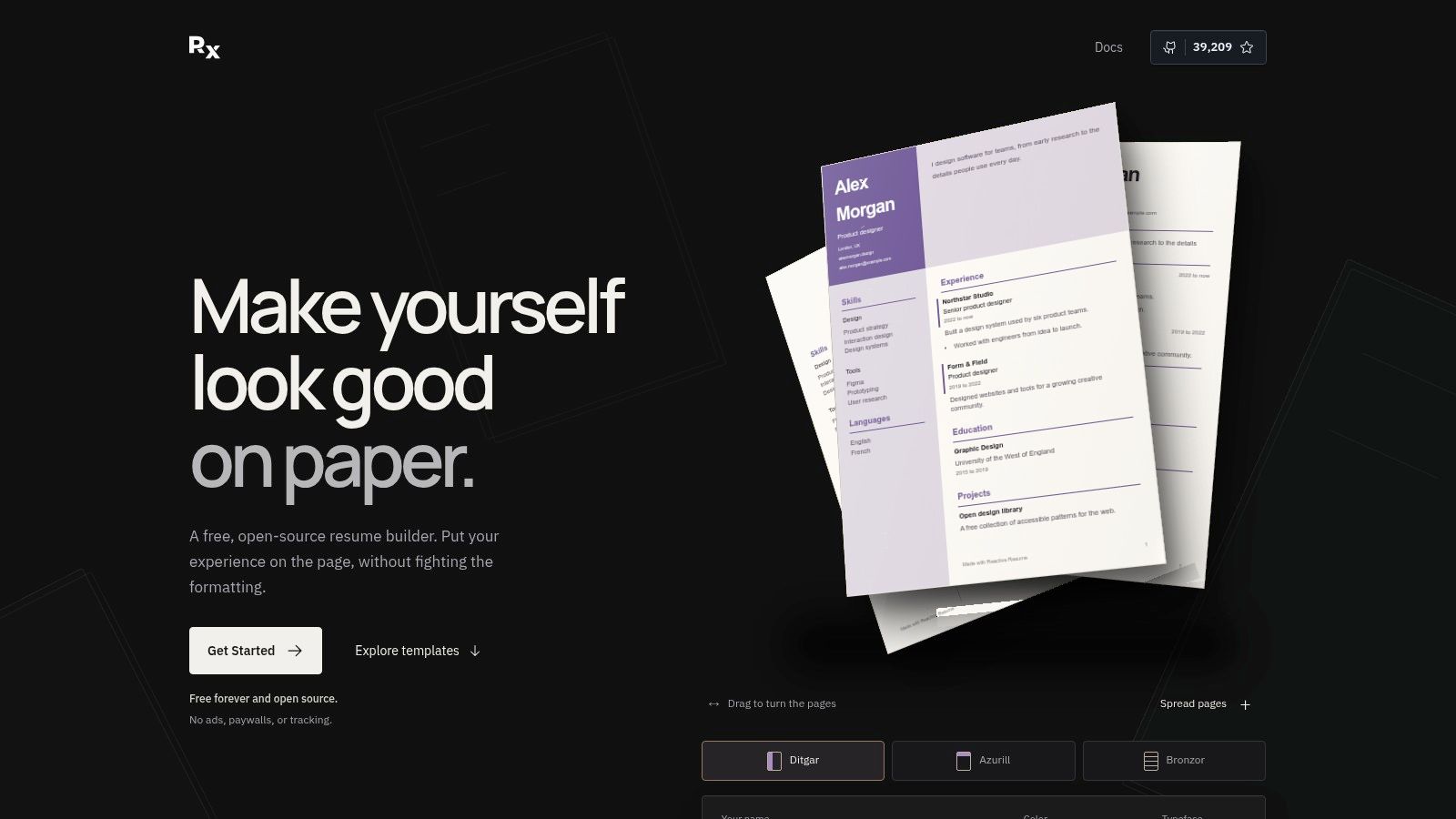
Reactive Resume is what I'd recommend when RenderCV feels too file-centric, but giving up open source still feels wrong. It keeps the barrier low. Open the hosted app, edit in a GUI, export a PDF. If privacy or control matters more later, self-host it.
That combination is hard to beat for tinkerers who want a visual workflow without locking themselves into a proprietary builder.
Where it fits better than RenderCV
Reactive Resume is strong when the resume itself isn't something you want to maintain as Markdown, YAML, or LaTeX. The cloud version is fast to start with, and the self-hosting path is real, not an afterthought. JSON import and export also help if you care about moving data around rather than treating the builder as a dead end.
The main trade-off is philosophical. This is still a database-backed app workflow, not a plain-text-first writing workflow. If Git diffs, file portability, and hand-editable source matter, it's less elegant than Markdown.
Self-hosting solves ownership. It doesn't automatically solve portability in the way plain text does.
Where it falls short
Reactive Resume is less compelling if the core reason you want a RenderCV alternative is clean separation between source content and presentation in a format you can edit anywhere. It's better than many drag-and-drop builders on portability, but it still centers the app interface.
Expect some DIY overhead if you self-host. That's normal for open-source tools, but it's still overhead.
Website: Reactive Resume
3. JSON Resume
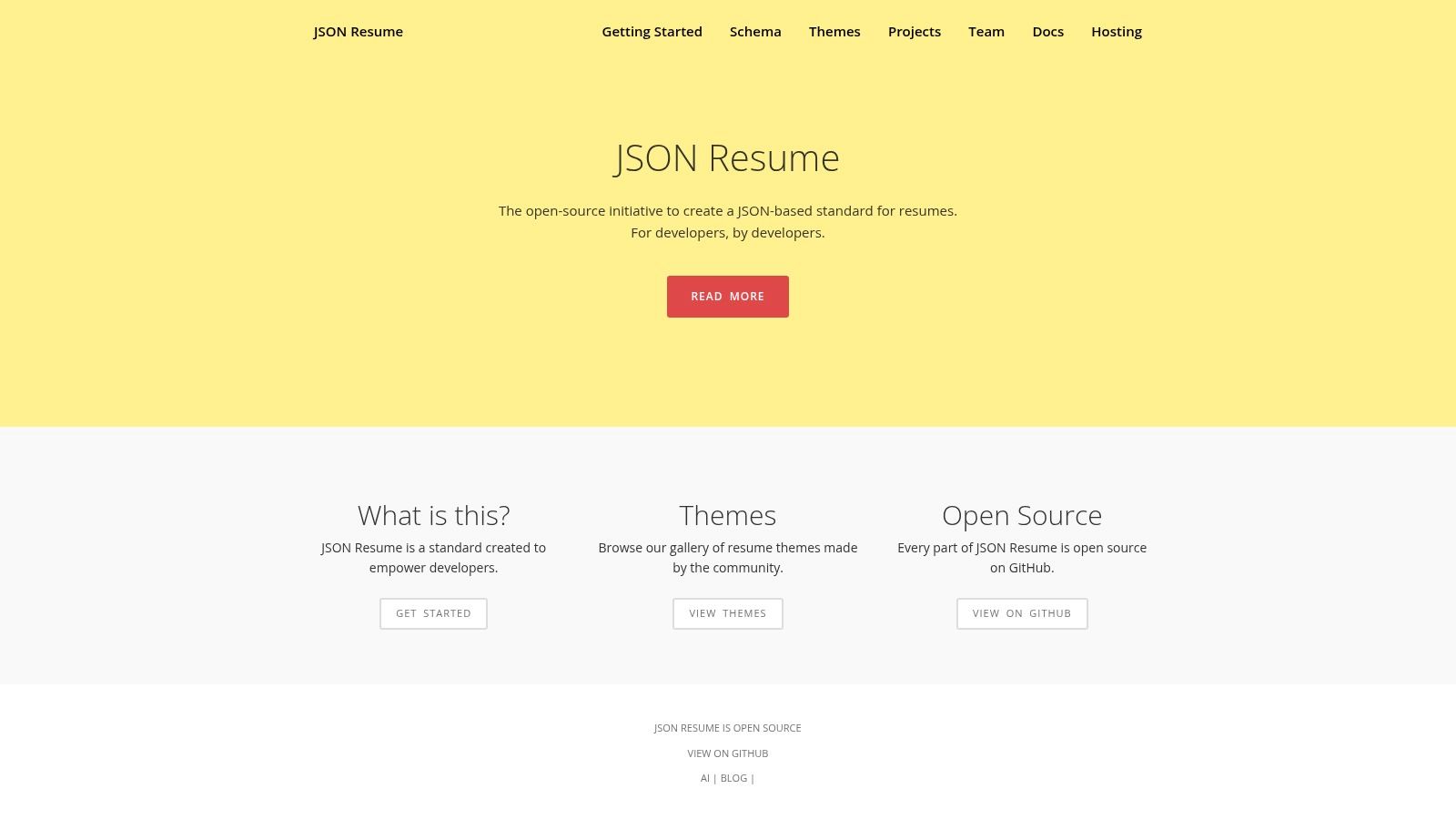
JSON Resume is less a resume builder than a resume standard plus toolchain. That distinction matters. If RenderCV feels opinionated in the wrong way, JSON Resume gives you maximum portability and a large theme ecosystem, but it expects comfort with structured data and CLI workflows.
For some developers, that's the whole appeal. The resume becomes data first, presentation second.
Best for Git-centered control
JSON Resume works well when the resume belongs in a repo and you want a schema that can survive tool changes. Validators, converters, and community themes make it flexible. The downside is obvious within minutes of editing. JSON is not pleasant writing format.
Descriptions, line breaks, and iterative edits all feel more mechanical than they should. That's why many people end up looking for a friendlier front end or a Markdown-based alternative. If that's where you are, our guide to a JSON Resume alternative gets into the practical trade-offs.
What to expect
- Best advantage: Portable schema and broad ecosystem.
- Real cost: Editing friction. JSON is great for machines and mediocre for humans writing resumes.
- Who should choose it: Developers already committed to repo-based workflows and schema-driven content.
A Markdown-first builder is usually easier to maintain over time. JSON Resume is still excellent when control matters more than writing comfort.
Website: JSON Resume
4. FlowCV
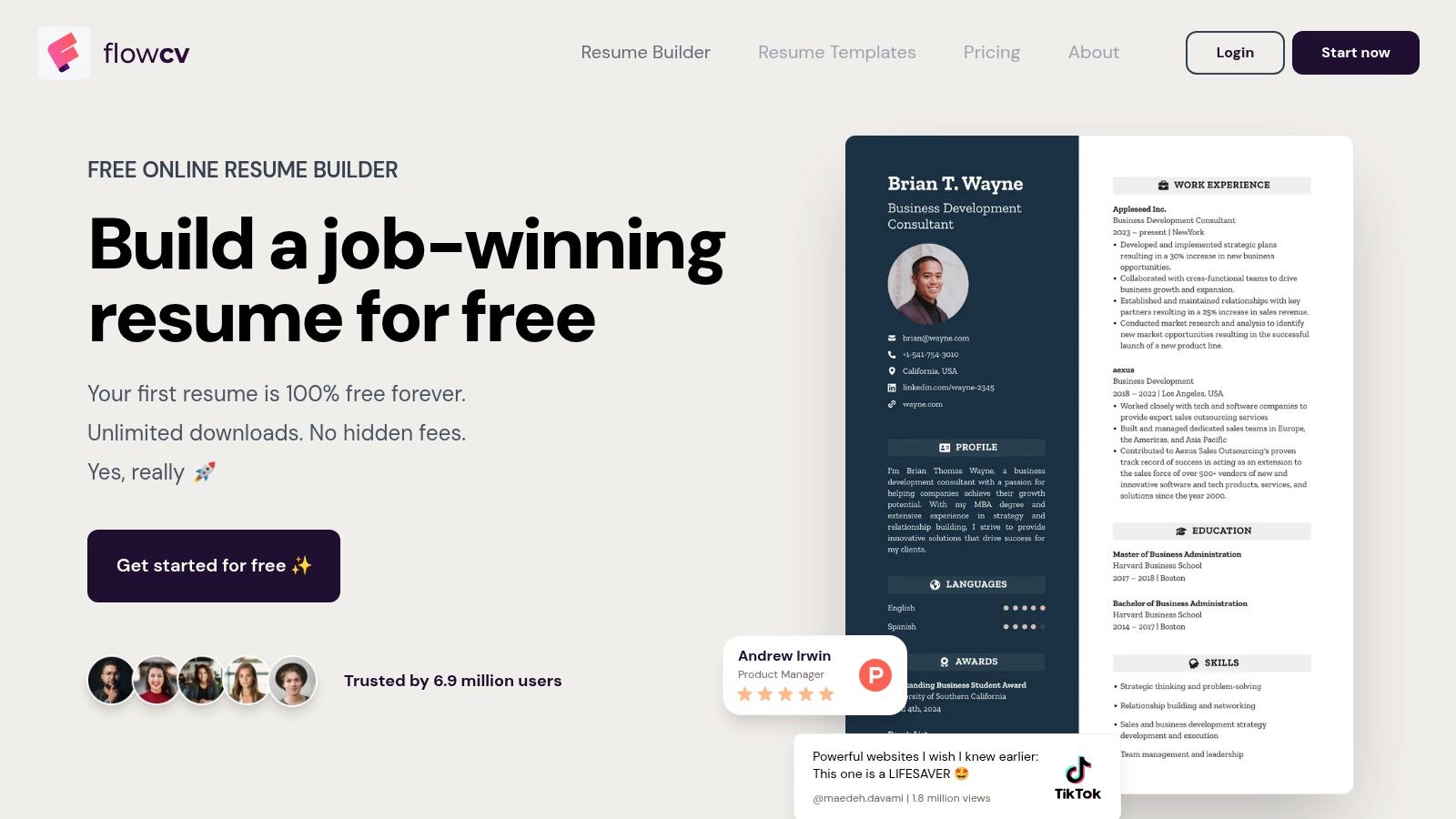
FlowCV sits on the opposite end of the spectrum from RenderCV. It's polished, browser-based, and easy to use without any technical setup. For many job seekers, that's enough.
For technical candidates, the question is narrower. Does it preserve enough structure and flexibility to stay useful once you need multiple customized versions and repeatable exports?
Strong free access, weaker content portability
FlowCV has one of the better free entry points in this category because the free plan is usable. You can make a resume, build a cover letter, and export without the sort of branding tricks that make free builders unusable in practice.
What it doesn't offer is the same plain-text ownership model that makes RenderCV and Resumey.Pro attractive. Editing happens inside the GUI. That's convenient in the short term and less reusable in the long term.
If the comparison is specifically FlowCV versus a Markdown-first workflow, our Resumey.Pro vs FlowCV breakdown covers the differences in more depth.
Good fit, with limits
FlowCV makes sense when speed and visual control matter more than source portability. It's also one of the simpler ways to produce a decent resume quickly without learning syntax.
I wouldn't choose it for a long, technical job search where cloning role-specific versions and keeping content in plain text is part of the process. I would choose it for a fast, GUI-led setup with a low learning curve.
Website: FlowCV
5. Standard Resume
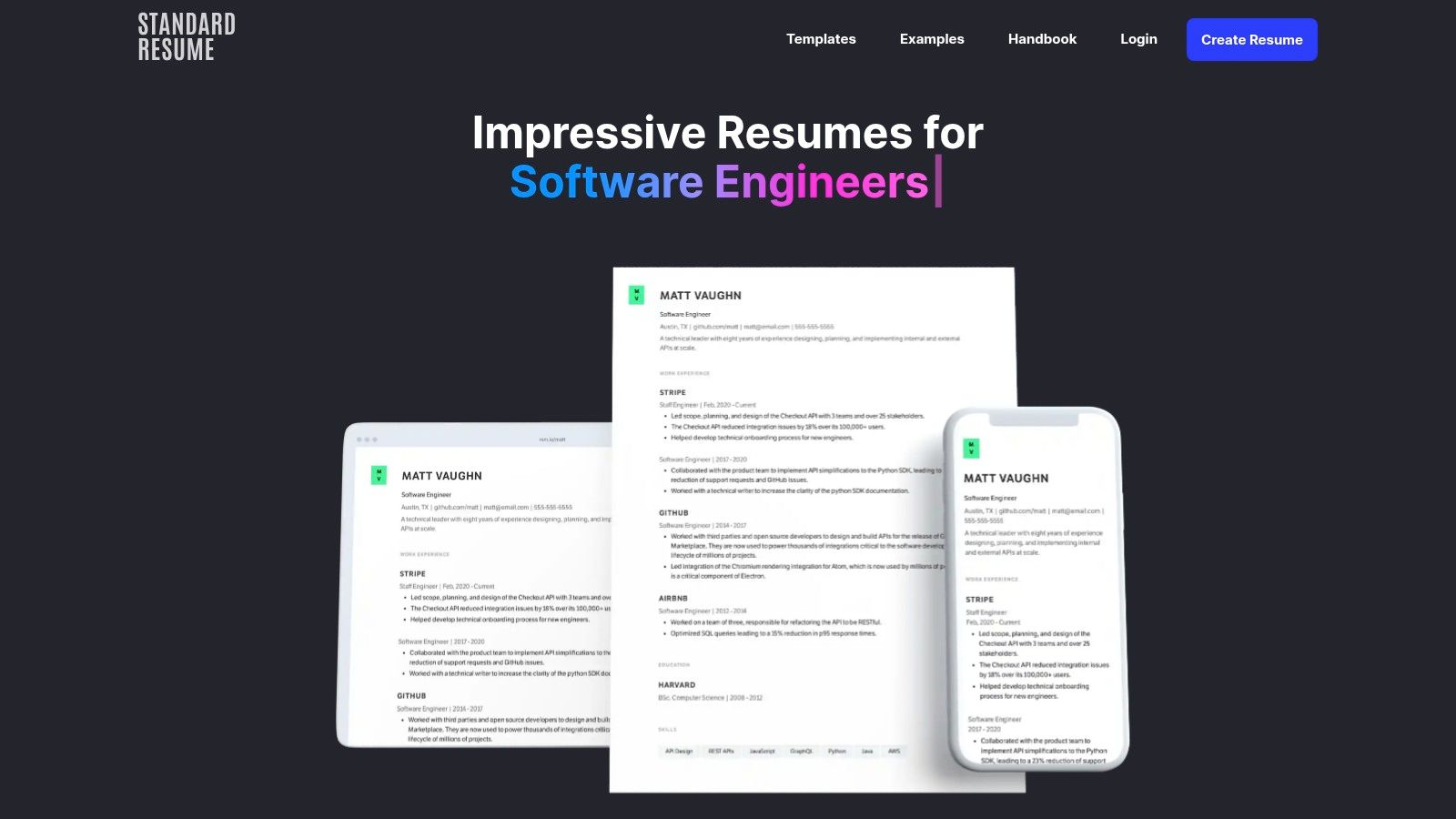
Standard Resume has always made sense to engineers who don't want to overthink design. The templates are restrained, the editor is straightforward, and the output tends to stay on the recruiter-friendly side of the line.
That makes it a credible RenderCV alternative for people who want hosted simplicity without diving into template internals.
Where it wins
The LinkedIn import is useful, and the hosted web-resume option is a nice extra if you want a clean online profile beside the PDF. The product feels disciplined. It doesn't try to be everything.
That restraint is a strength. The downside is that it's less flexible for highly custom workflows. If your process includes lots of role variants, content reuse, and export-path decisions, it can feel a bit narrow.
The practical read
Independent guidance on ATS exports now distinguishes between copying plain text into application forms, downloading a .txt file, and uploading an ATS-safe PDF, because the wrong export path can create avoidable parsing and formatting issues (plain-text vs .txt vs ATS PDF workflow guide). Standard Resume is solid on polished PDF creation, but tools built around content portability handle those channel shifts more naturally.
Website: Standard Resume
6. Overleaf
Overleaf is the best RenderCV alternative when what you want is LaTeX in a friendlier environment. It gives you browser-based editing, real-time PDF rendering, collaboration, and access to a huge template ecosystem without managing a local LaTeX setup from scratch.
For academia, research, and some engineering roles, that's a serious advantage.
Precision over convenience
Overleaf produces deterministic PDFs and gives you very fine control over layout. If visual consistency and reproducibility are the priority, LaTeX still earns its place. It also works well in version-controlled workflows, especially if you're already comfortable reviewing markup.
The trade-off is obvious. Content and presentation are much more entangled than they are in a clean Markdown-first workflow. Tailoring a resume often means touching formatting-level details, not just editing content.
LaTeX is excellent when typesetting quality is the job. It's inefficient when quick resume iteration is the job.
Best use case
Choose Overleaf when the document itself is part of the signal. That's common in academic CVs, publications-heavy resumes, and applications where a formal typeset look is expected.
Skip it if the goal is fast application throughput, easy template switching, or low-friction cloning for multiple industry roles.
Website: Overleaf
7. Novorésumé
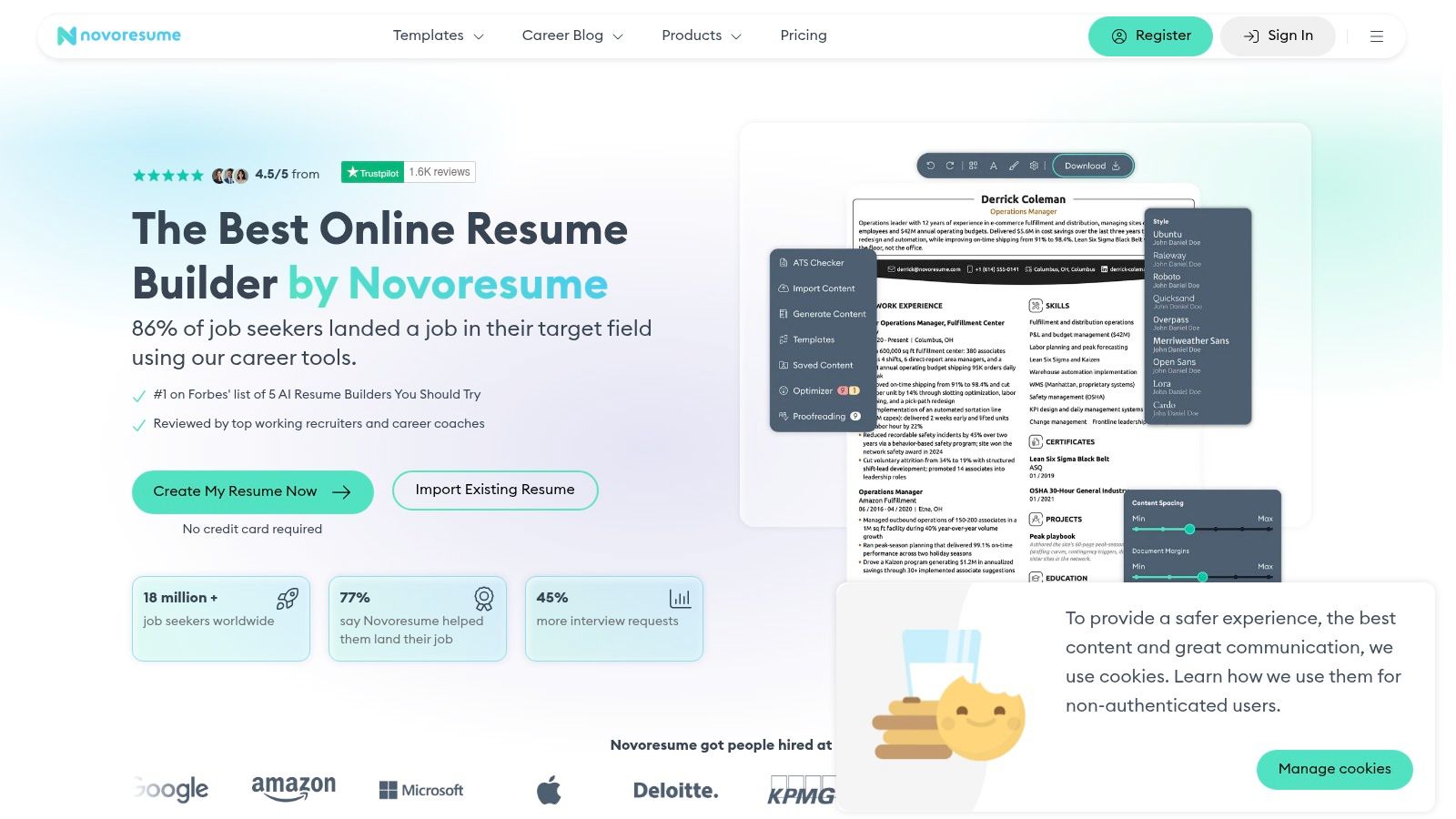
Novorésumé is a consumer-friendly builder with cleaner defaults than many mainstream design-heavy options. It tends to strike a reasonable balance between visual polish and readability, which is why it often shows up in these comparisons.
It is still a GUI-first product. That shapes the trade-offs.
Better for guided editing than portable content
Novorésumé is useful when built-in guidance matters more than source ownership. The templates are tidy, the flow is accessible, and period-based pricing in many regions is easier to accept than an open-ended subscription.
What you give up is the resume-as-source-file model. You're editing in the app, not maintaining a reusable Markdown or YAML document that can move anywhere.
Cross-border use matters more than template count
Multilingual support is now a practical buying criterion, not a niche extra. Competing products increasingly advertise support across many languages, and the harder question is whether structure, ATS readability, typography, and PDF fidelity still hold across non-Latin and right-to-left scripts (multilingual ATS resume discussion). Novorésumé is worth considering for broad usability, but technical and global applicants should still verify how exports behave in the actual languages they use.
Website: Novorésumé
8. Rezi
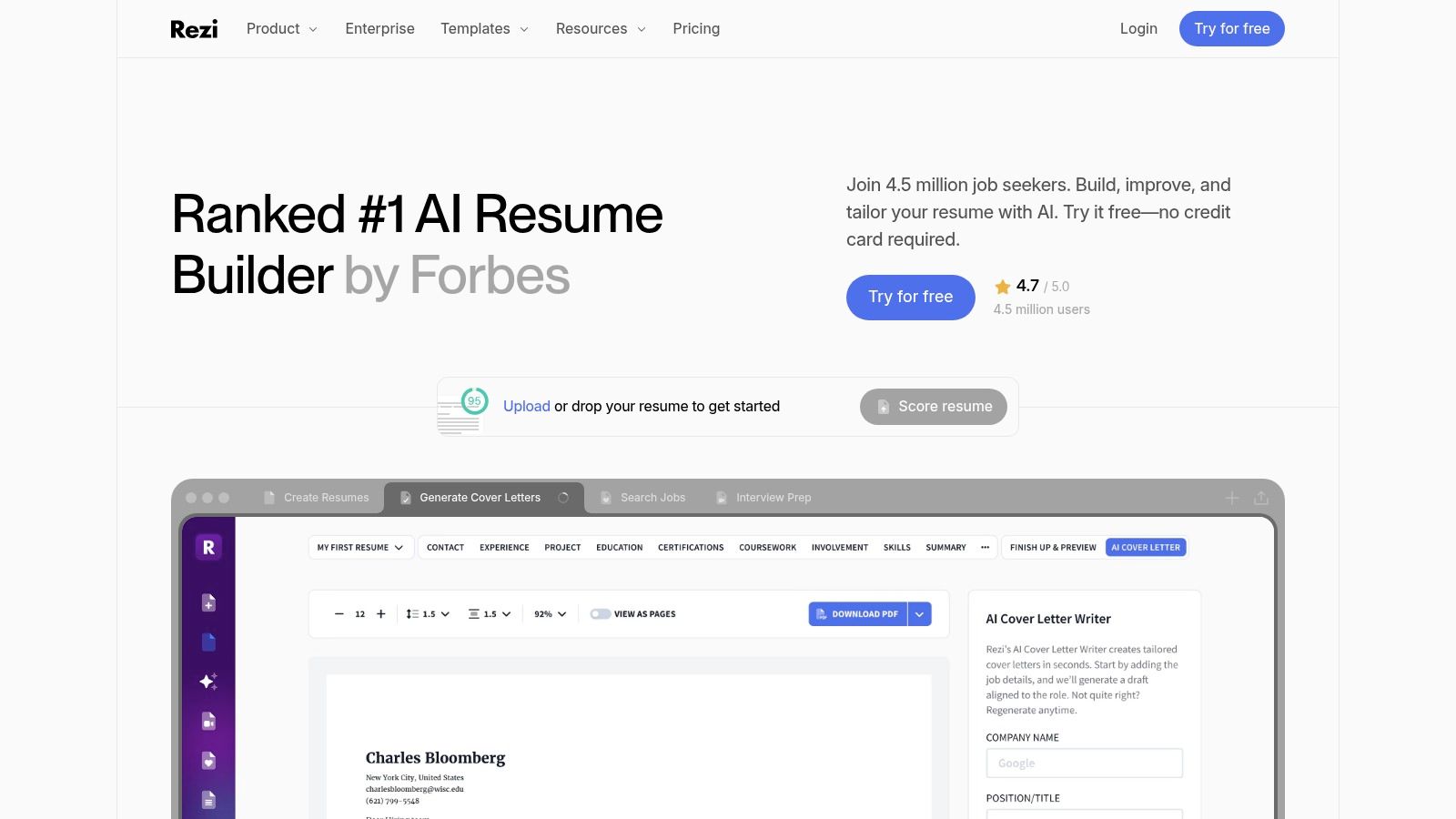
Rezi is the right RenderCV alternative when tailoring speed matters more than authoring purity. It leans hard into AI-assisted writing, keyword alignment, and feedback loops built around specific job descriptions.
That makes it useful for applicants running high-volume, role-targeted applications.
Where Rezi is stronger
Rezi is better than most code-first tools at helping users adapt content for a specific posting without manually rewriting every section. If your bottleneck is tailoring, not formatting, the product direction makes sense.
This category still has a trap. Builder-generated suggestions can make resumes sound generic fast. The workflow is strongest when the AI helps tighten and target real experience, not invent a different voice.
Main trade-off
Rezi is less appealing if your priority is a durable, human-editable source document that stays clean outside the platform. It's also not the tool I'd pick for people who want to control presentation independently from content over the long term.
Choose Rezi when application targeting is the center of the workflow. Choose a Markdown-first builder when the resume itself is an asset you want to keep, reuse, and reshape across roles.
Website: Rezi
9. Resume.io
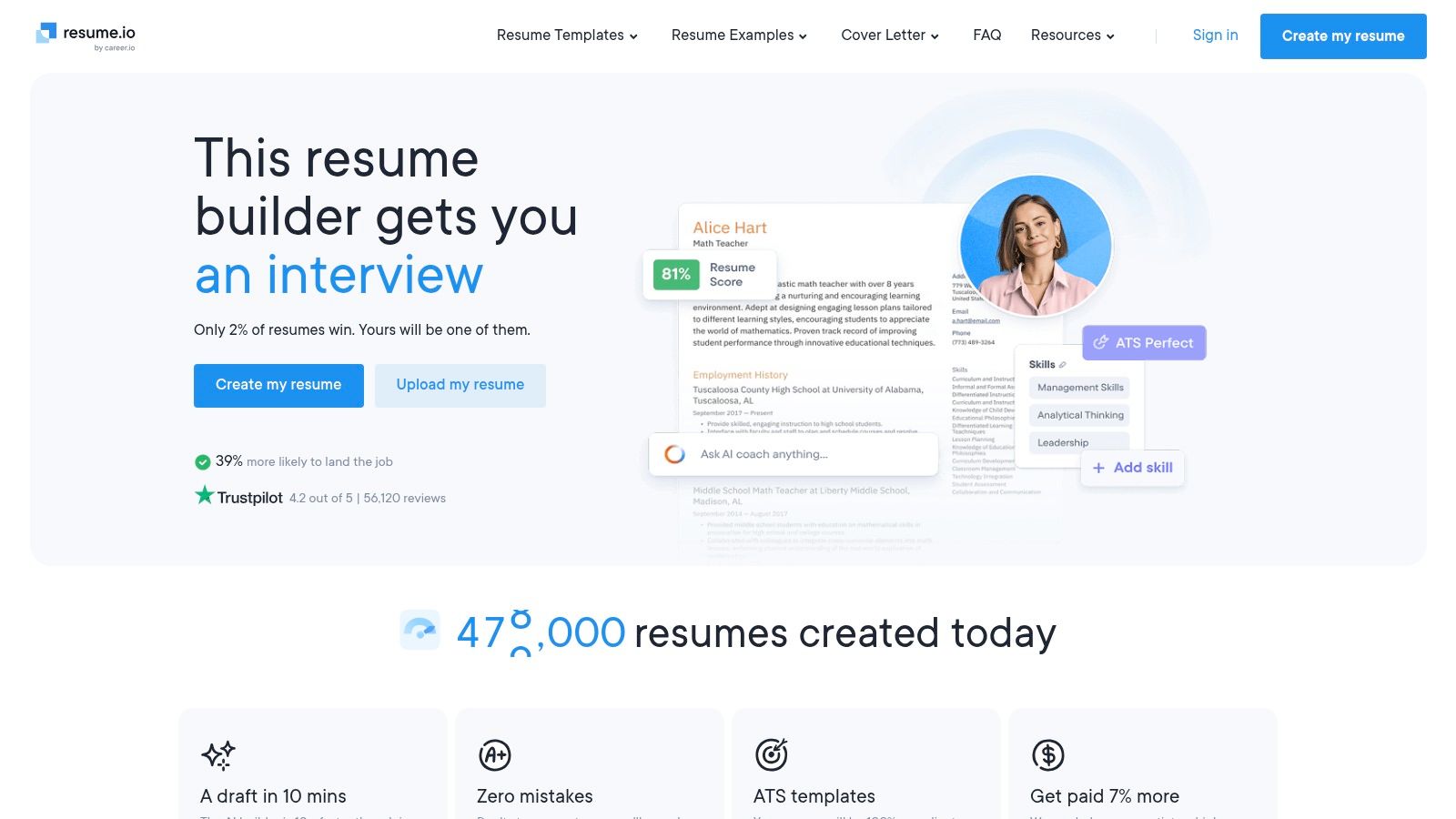
Resume.io is built for speed. It has a guided editor, a broad set of templates, cover letters, job tracking, and AI helpers. That bundle makes it easy for someone to go from blank page to finished resume quickly.
For a RenderCV alternative, though, it answers a different question.
Fast production, less reusable workflow
Resume.io is convenient for first-time users and non-technical applicants who want the software to lead. For technical candidates, the downside is that the content is more tightly coupled to the builder experience than to a portable source format.
That matters once you need multiple role variants or want confidence that a PDF remains structurally simple during export. In a 2026 benchmark of real resumes, section-detection problems, failed candidate records, and extracted-text artifacts were strongly associated with layout complexity, including multi-column and table-like structures (ATS resume parsing benchmark). Clean, linear structure still wins.
Best use case
Use Resume.io when speed and hand-holding matter more than long-term maintainability. It's a practical mass-market option.
I wouldn't choose it over Resumey.Pro, Reactive Resume, or JSON Resume if the goal is to treat the resume as reusable content rather than a one-time output.
Website: Resume.io
10. Kickresume
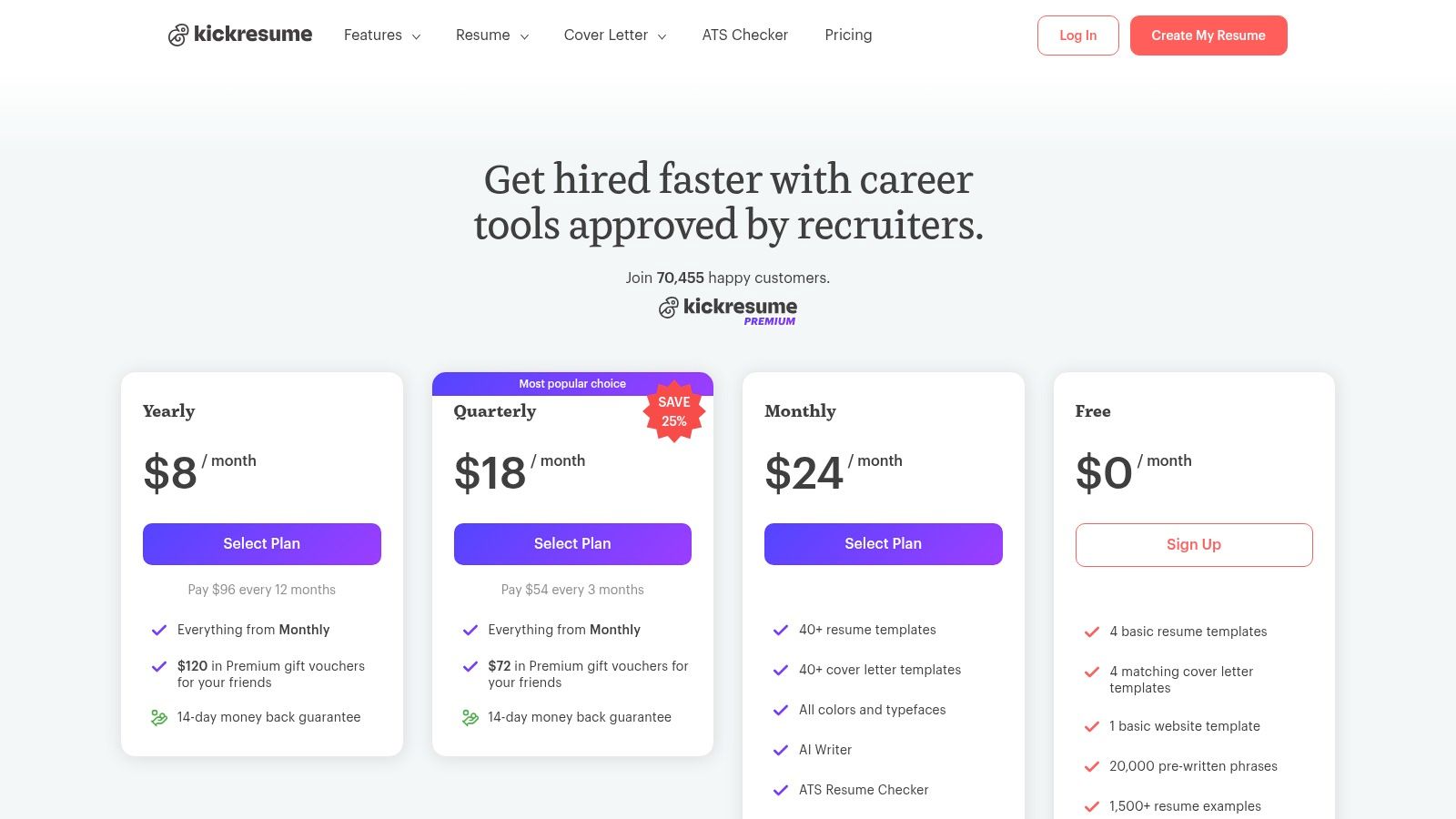
Kickresume is a presentation-first resume builder. It combines resumes, cover letters, personal websites, and mobile apps in one polished product, which makes it attractive for applicants who want everything handled inside a single interface.
The key trade-off is the one that matters throughout this comparison. It does not center on a clean separation between resume content and presentation. For technical candidates, that usually matters more than extra polish.
Strong convenience, weaker content portability
Kickresume works well for people who edit from a phone, want more visual template choice, or like the idea of turning resume data into a simple personal site. Those are real advantages.
The downside is workflow durability. If a resume lives mainly inside the builder, it is harder to treat the content as a reusable source file that can be versioned, cloned for different roles, and restyled without reworking the document. That puts it farther from the RenderCV model, and also farther from tools like Resumey.Pro, Reactive Resume, or JSON Resume that better preserve content structure across role-specific versions.
Best use case
Choose Kickresume if convenience, design variety, and mobile access matter more than source control. It is a practical GUI option for general job seekers.
I would skip it for an engineering or data workflow where Markdown, repeatable exports, and template switching from the same underlying resume are the priority.
Website: Kickresume pricing plans
RenderCV Alternatives, Top 10 Feature & Pricing Comparison
| Product | Core features | UX & quality (★) | Price & value (💰) | Audience (👥) | Unique selling points (✨) |
|---|---|---|---|---|---|
| Resumey.Pro 🏆 | Markdown-first editor, 10+ ATS templates, cover letters, clone, import, autosave (Pro), PDF export | ★★★★★ Stable, ATS-safe PDFs; real-time render | 💰 Free to edit; Pro passes 1/3/6‑mo (1‑mo $15); pay‑when‑needed; student/PPP discounts | 👥 Developers, data/IT, grads, global applicants | ✨ Content/design separation; Markdown + code snippets, multilingual & RTL support |
| Reactive Resume | Cloud + self‑hosted app, ATS templates, JSON import/export | ★★★★ Free/open‑source; reliable PDF exports | 💰 Free; optional self‑hosting (DIY) | 👥 Privacy‑minded devs, self‑hosters | ✨ Open source, Docker-ready, portable JSON format |
| JSON Resume | JSON schema, CLI, validators, large theme ecosystem | ★★★★ Text‑first, reproducible with CLI | 💰 Free (open standard) | 👥 Devs, Git-based workflows | ✨ Huge theme library; schema + CLI tooling |
| FlowCV | Browser GUI, generous free PDF, templates, design controls | ★★★★ Polished UI; watermark‑free free PDFs | 💰 Free tier (1 resume + 1 cover); Pro subscription for unlimited | 👥 GUI users who want free/strong exports | ✨ Full design controls on free plan; student discounts |
| Standard Resume | Simple editor, LinkedIn import, 12 recruiter-reviewed templates, web resume | ★★★★ Clean, hiring-manager approved output | 💰 Free basic; paid for advanced exports/features | 👥 Engineers, recruiters, jobseekers wanting clean layouts | ✨ Hosted web‑resume + recruiter-tested templates |
| Overleaf | Browser LaTeX editor, live PDF preview, templates (Awesome‑CV) | ★★★★ Pixel-consistent, deterministic PDFs (LaTeX curve) | 💰 Free tier; paid for premium collaboration/storage | 👥 Academics, engineers, LaTeX users | ✨ Full typographic control; reproducible scholarly templates |
| Novorésumé | Guided builder, examples, structured sections, cover letters | ★★★★ Clear, ATS-aware layouts with guidance | 💰 Freemium; period-based (non-subscription) pricing in many regions | 👥 General jobseekers seeking guidance & clarity | ✨ Built-in guidance + transparent period pricing options |
| Rezi | AI tailoring, Rezi Score, job‑targeted keyword tools, ATS-safe templates | ★★★★ Strong tailoring tools; real-time scoring | 💰 Freemium; advanced AI features paid; money‑back guarantee | 👥 Applicants focused on JD fit and keyword optimization | ✨ Section-level scoring & AI-driven keyword targeting |
| Resume.io | 30+ recruiter-tested templates, AI suggestions, job tracker, cover letters | ★★★★ Fast, beginner-friendly editor | 💰 Free + 7‑day full trial in some regions; paid for full downloads | 👥 First-time users, broad audience needing speed | ✨ Large template variety + job tracker & AI helpers |
| Kickresume | Templates, cover letters, personal website generator, mobile apps | ★★★★ Polished designs; cross-device edits | 💰 Freemium; Premium for advanced customizations & exports | 👥 Jobseekers wanting polished design & personal site | ✨ Mobile apps + one-click personal website from resume content |
Choose the Workflow You Can Maintain
The best RenderCV alternative isn't the one with the most templates or the flashiest editor. It's the one you'll still be able to maintain after the fifth version, the third export format, and the first application portal that mangles a complex PDF.
Resumey.Pro is the strongest fit when you want Markdown editing, reliable PDF export, ATS-safe templates, cloning for role-specific versions, multilingual support, and a pricing model that doesn't trap you in a permanent subscription. It keeps the useful part of a technical workflow, which is plain-text structure and reusable content, while removing the friction of local setup, manual rendering, and template-level tinkering.
That does mean giving something up. If you care most about self-hosting, local files, or full pipeline ownership, open-source tools make more sense. Reactive Resume is the easier visual option in that camp. JSON Resume is the better choice when schema portability and Git-centered control matter more than writing comfort. Overleaf wins when LaTeX precision is part of the value of the document itself.
GUI and AI-first builders still have a place. FlowCV, Standard Resume, Novorésumé, Rezi, Resume.io, and Kickresume all work for the right buyer. The dividing line is simple. If guided editing matters more than content portability, use a GUI-first builder. If the resume is something you want to reuse, branch, clone, and keep clean across formats, choose a content-first system.
A short migration path helps, regardless of which tool you pick:
- Preserve the source content: Keep your current resume text in a plain-text copy before moving platforms.
- Map structure properly: Turn headings, dates, links, and bullets into explicit fields or clean sections.
- Remove layout-dependent elements: Drop tables, floating text boxes, and decorative structures that only work visually.
- Test the PDF as text: Open the exported PDF, select text, and copy it into a plain editor to see whether the reading order stays intact.
- Keep a plain-text fallback: Some application forms work better with pasted plain text than with file uploads.
One more export detail matters for global and ATS-sensitive applications. PDF quality depends on the export engine and font handling, and one Markdown resume guide explicitly recommends using a more deterministic route for ATS use while keeping a separate styled HTML-to-PDF route for visual presentation (Markdown export trade-offs for ATS use). That's exactly why separating content from presentation is worth defending. It gives you room to choose the right artifact for the hiring channel instead of forcing one file to do everything badly.
The practical next step is simple. Move your existing content into a tool that treats it as reusable source, not a one-off layout. Then switch templates without reformatting, clone versions for different roles, and export the format that fits the application path.
Resumey.Pro gives you a Markdown-first editor, ATS-safe templates, reliable PDF export, and cloneable role-specific resume versions without the usual formatting mess. If RenderCV's local workflow has started slowing down the actual job search, visit Resumey.Pro to import your existing content, switch templates instantly, and keep versions organized.