Markdown resumes that make you stand out

Recruiters scan your resume for just 6 seconds.
Make sure yours stands out.

Cezar Carvalho – Resumey.Pro user Sohrab Amin – Resumey.Pro user Stephany Lopez – Resumey.Pro user Jasper Schoormans – Resumey.Pro user Carl – Resumey.Pro user
10200+
resumes created by students, designers and developers
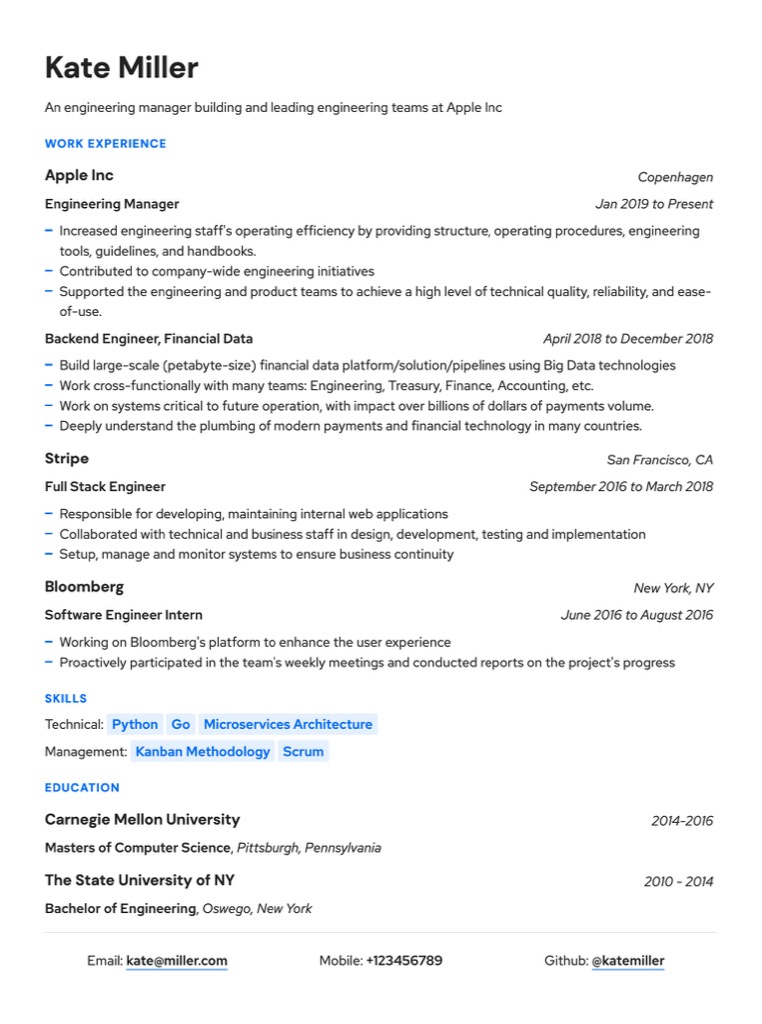
Professional Markdown resume template – Orion theme by Resumey.Pro
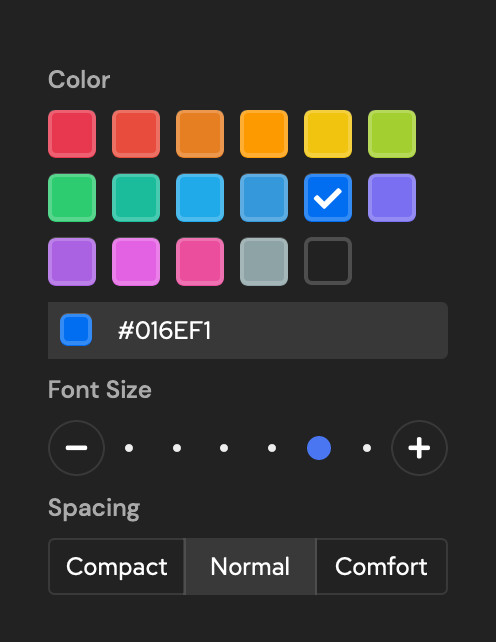
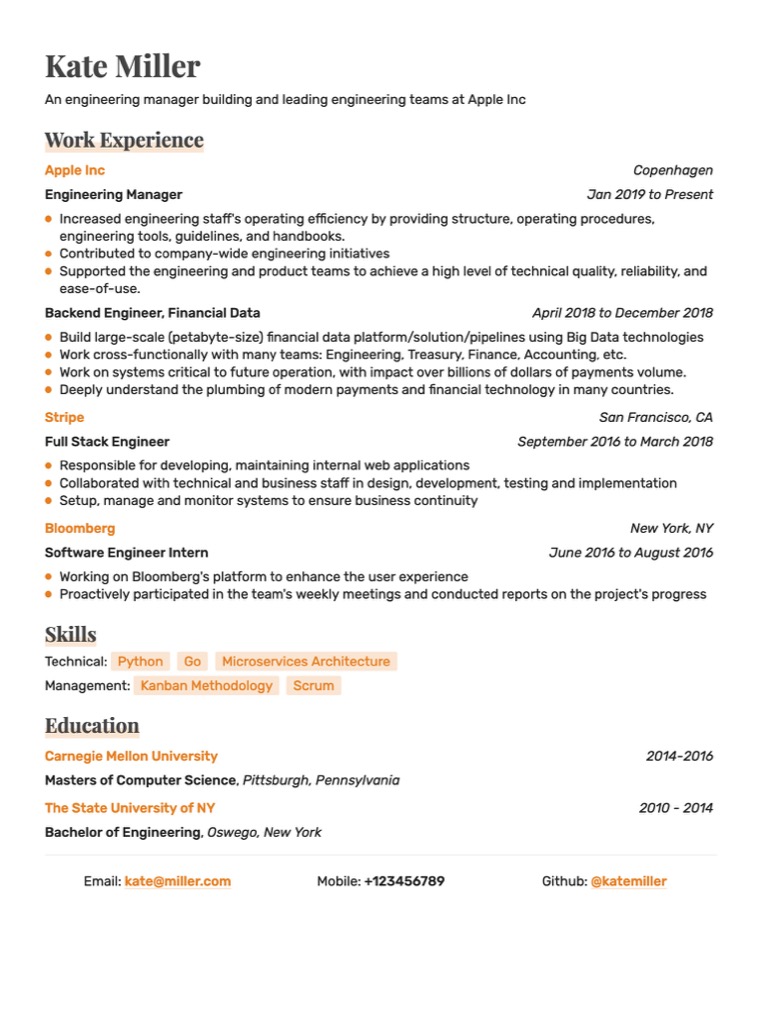
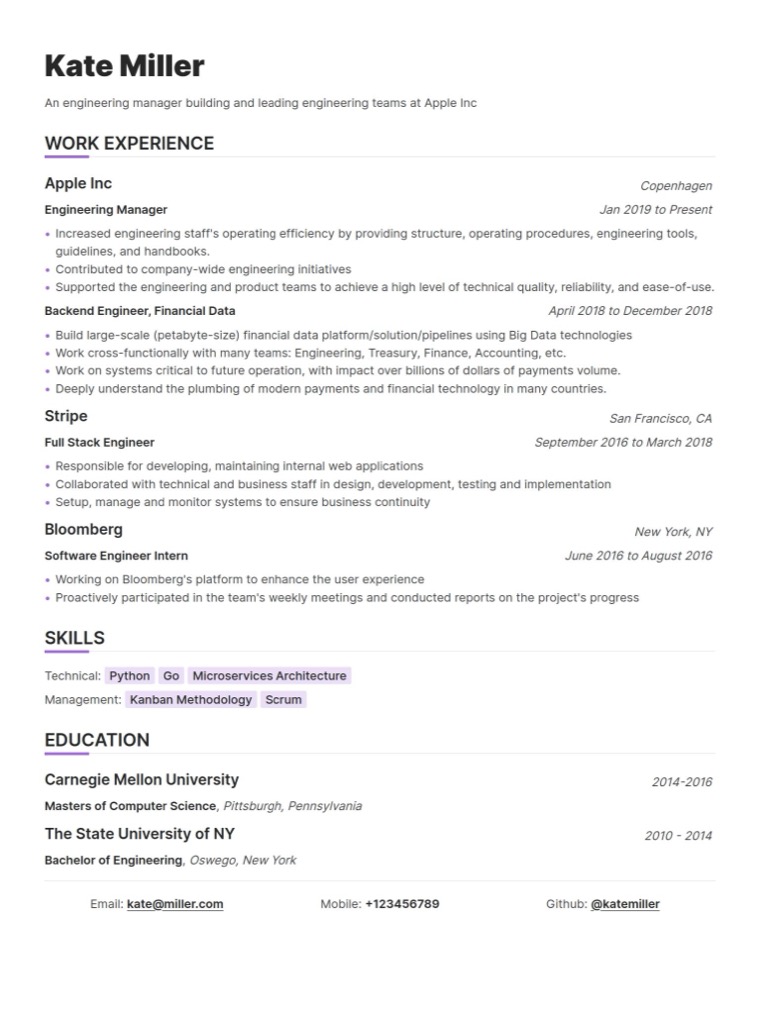
Customising fonts, colours and spacing in Resumey.Pro's Markdown resume builder Vega Markdown resume template – sidebar layout for software engineers Capella Markdown resume template – professional ATS-friendly layout
Testimonials

Loved by developers worldwide

How It Works

Three steps to your perfect resume

01

Write resume in Markdown

Use / (slash) commands or Markdown to quickly structure your content.

Resumey.Pro Markdown resume editor with live preview and slash commands
02

Pick your design

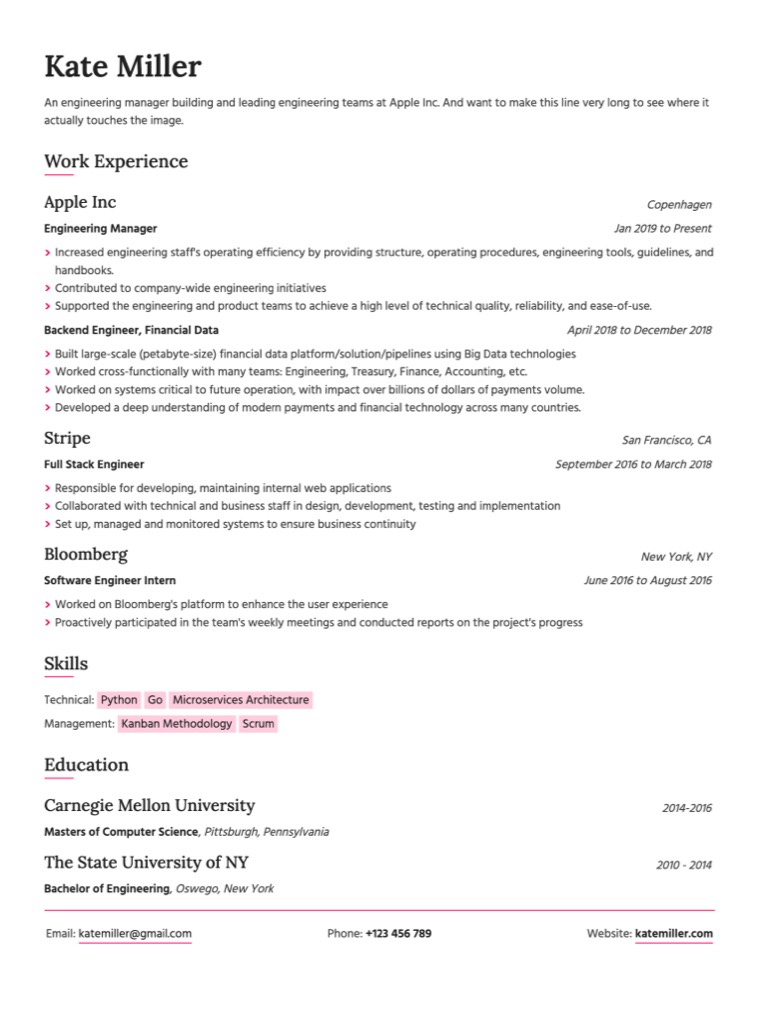
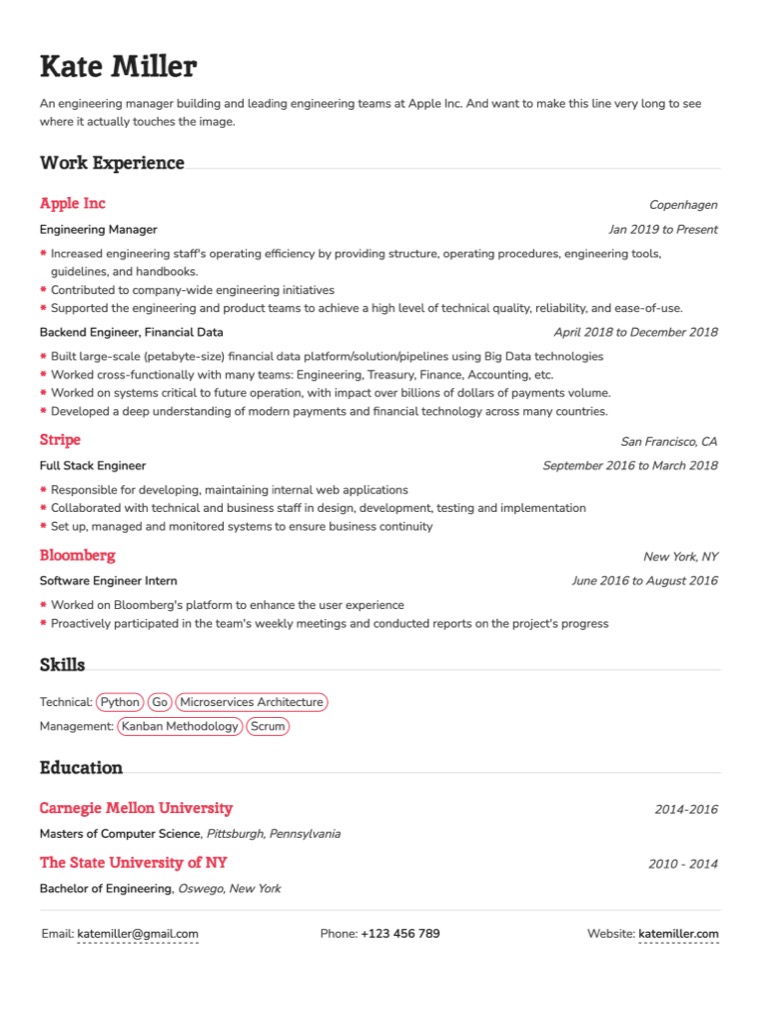
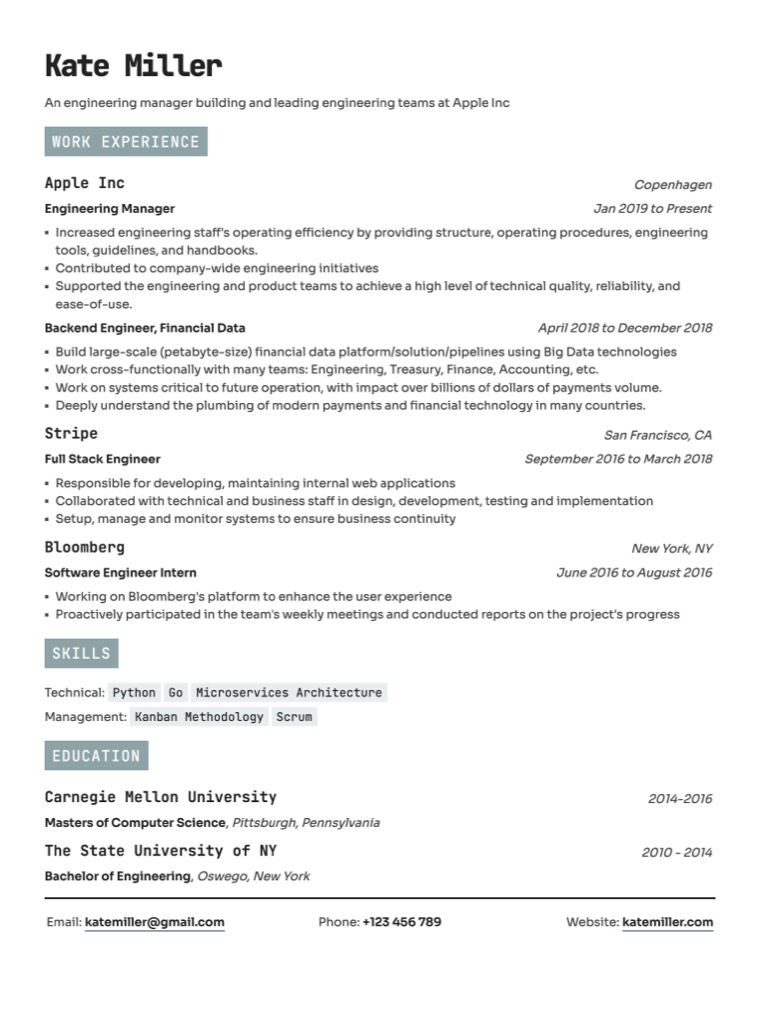
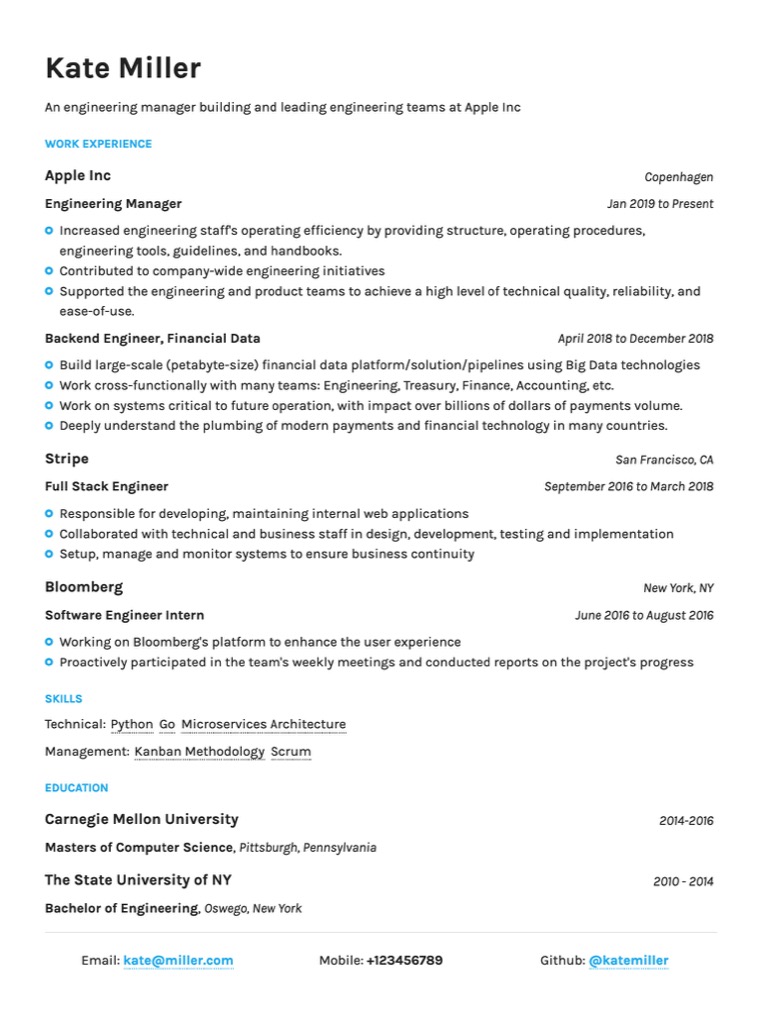
Fine tune formatting and try out various designs like Instagram filters. Optimized for scannability.
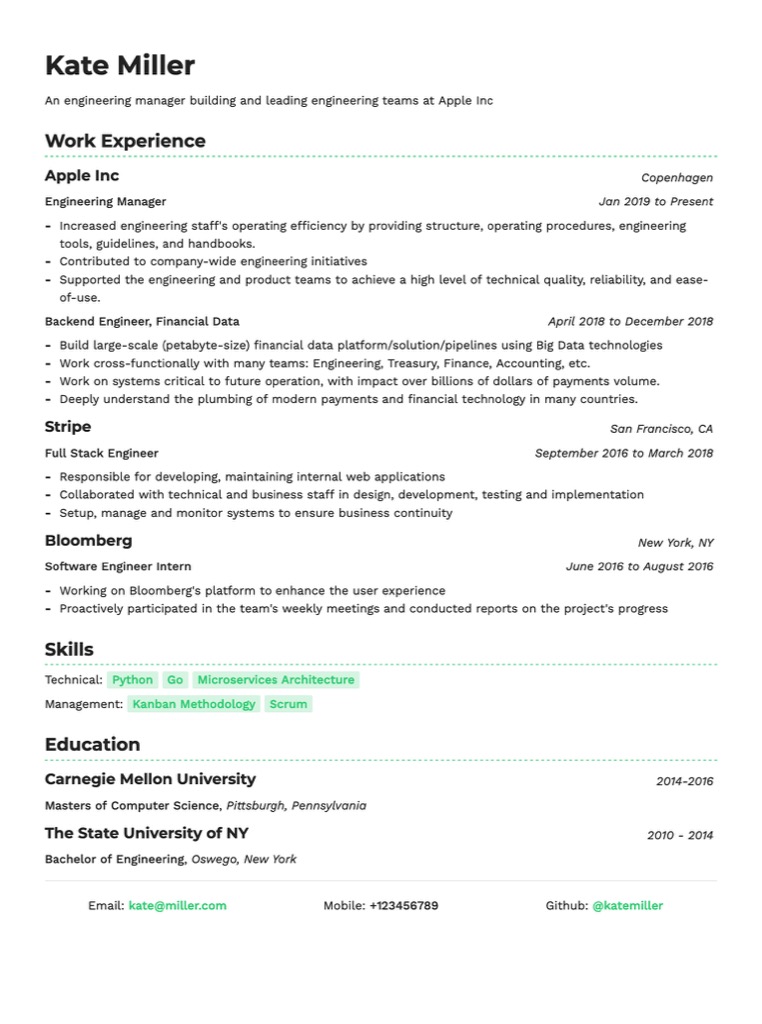
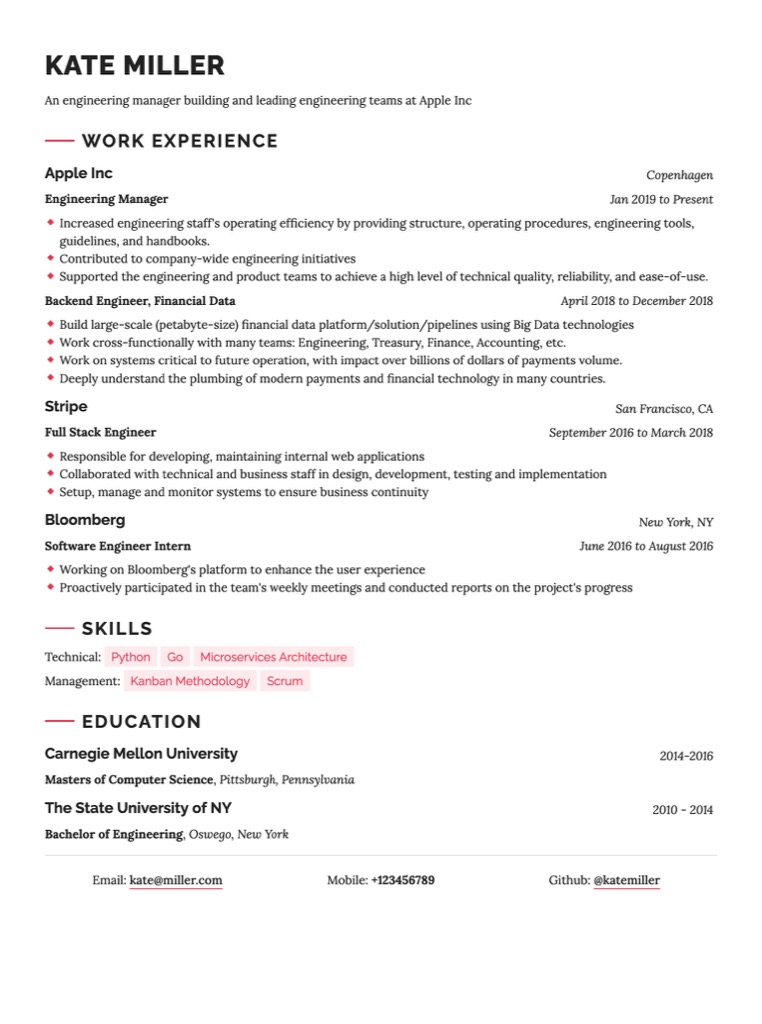
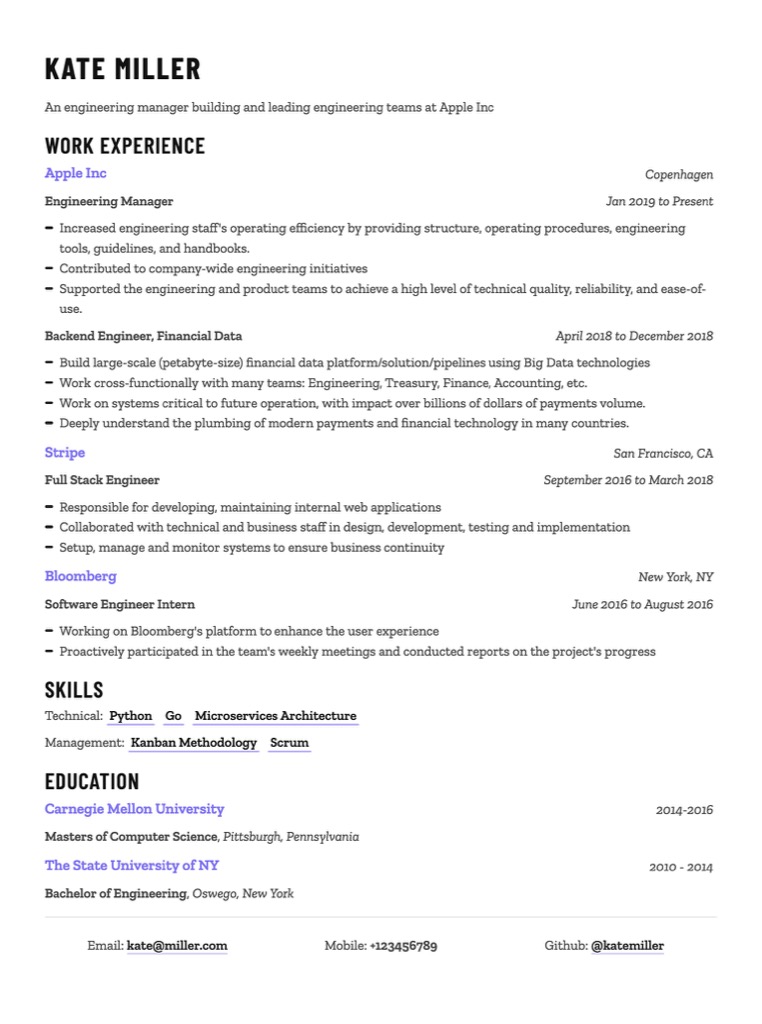
Altair Markdown resume template – clean single-column layout Bellatrix Markdown resume template – modern two-column design Capella Markdown resume template – professional ATS-friendly layout Cyrus Markdown resume template – minimal developer resume design Indus Markdown resume template – structured layout for technical roles Lyra Markdown resume template – elegant resume design for professionals Orion Markdown resume template – bold header layout for developers Rigel Markdown resume template – compact resume design for engineers Sirius Markdown resume template – clean ATS-optimised resume layout Vega Markdown resume template – sidebar layout for software engineers
03

Export to PDF

Download your ATS-friendly resume as a beautifully formatted PDF, ready to impress.

ATS-Friendly PDF
Why Resumey.Pro

The resume builder developers actually want

Resumey.Pro is the only resume builder that treats your resume as a plain text file. Writable in Markdown, auto-formatted on import, and exportable to PDF with one click.

01

Write once, format everywhere

Markdown separates your content from your design. Change templates in one click without reformatting a single line. No more broken bullet points or misaligned sections.

02

10 ATS-optimised templates, ready to go

Every template is built to pass ATS parsing on major hiring platforms. Pick a design, paste your content and your resume is structured the way hiring systems expect.

03

Built for how developers actually work

Write your resume in Markdown, the same syntax you use every day. Add code snippets, link your GitHub, list your tech stack. No drag-and-drop, no text boxes, no surprises.

04

Built for a global job market

Applying for jobs across borders? Resumey.Pro supports all major languages and writing systems. The same clean formatting that works for English resumes works just as well in French, German, Arabic, or Japanese.

The Markdown Advantage

You already write in Markdown.
Your resume shouldn't be the exception.

Most resume tools want you to drag, drop, and fiddle with a .docx. Resumey.Pro just needs you to write — in Markdown, the way you already write everything else.

"I'm really impressed how quickly I was able to upgrade my resume from a boring word doc to a colorful, split-page resume thanks to Resumey.Pro. It was so easy to learn and I love the final result."
Dan Shores Software Engineer

Here's the difference in practice:

Resumey.Pro
Write in Markdown Native
ATS-safe formatting
Switch designs instantly
Consistent formatting
Developer-friendly syntax
VS
Word / Google Docs
No Markdown support
Often breaks on export
Full reformat required
Manual every time
No code syntax support

Every Resumey.Pro template is designed to pass ATS parsing on major hiring platforms, with consistent formatting that doesn't break when exported.

Why It Works

Create a Markdown resume that brings out your skills well

Highlight specific skills

Position yourself well with the right colours and spacing.

Use good visual hierarchy

Get the right look and feel with the combination of hierarchy and design elements.

Clean and consistent

Your resume should always have consistent alignment and formatting.

Markdown to PDF in minutes

When you're ready to apply for jobs, download the resume in PDF format with our paid plan.

Featured on

Resumey.Pro featured on ProductHunt
Resumey.Pro featured on UX Database
Resumey.Pro featured on Markdown Guide

Pay only when you're ready to start
applying for jobs.

Maintain Your Resume for Free - Create and keep your professional story current without any cost.
Pay to Download Your Resume - When you're ready to apply, upgrade to download your polished resume.
Free Plan
$ 0
Forever
Effortless Markdown Editing: Craft your resume easily with our Markdown supported editor.
Professional Design Options: Choose from 10 clean designs for a polished, professional look.
Unlimited Pages: Tell your story without constraints, no page limits here.
Multiple Versions: Manage multiple versions effortlessly with our straightforward clone feature.
Profile Picture Support: Add a personal touch with the inclusion of a profile picture.
Pro Plan
$ 25
1-month pass
3-month pass
6-month pass
Your 3-month pass: access from today until
Simple pricing, no recurring subscription. We don't auto-renew upon expiry.
Full suite of Free Plan features: Craft your resume easily with access to all the features.
Unlimited PDF Downloads: Download your resume as many times as you need.
Access to All Themes: Unlock all 10+ premium themes.
Cover Letter Support: Create matching cover letters.
Priority Support: Get help when you need it.
FAQs

Frequently asked questions

Everything you need to know about creating your resume with Markdown.

You write your resume using standard Markdown syntax in our editor, and Resumey.Pro renders it into a beautifully formatted resume in real time. Use / (slash) commands to quickly apply formatting, or write Markdown directly. No design skills needed. Markdown handles the structure, we handle the styling.
Yes. All templates are designed to pass ATS parsing on major hiring platforms. Markdown's clean, structured syntax avoids the formatting artifacts — invisible tables, text boxes, and misaligned columns — that commonly trip up ATS systems in Word and Canva-style documents.
Yes, one-click PDF export is available on the paid plan. Your resume renders with consistent, pixel-perfect formatting regardless of the viewer's operating system or installed fonts. You can create and edit your resume for free and pay only when you're ready to download and start applying.
Basic Markdown is easy to learn in under 5 minutes, and our templates handle the structure for you. The editor also includes slash (/) commands that apply formatting automatically, so you can build a complete resume without writing a single line of Markdown syntax if you prefer.
Yes. Paste your existing resume content into Resumey.Pro and the auto-format feature converts it into clean, structured Markdown instantly. From there you can switch between any of the 10 templates without touching your content.
Creating and editing your resume is completely free, with no time limit. You can maintain unlimited copies of your resume. You pay a one-off fee only when you're ready to download your resume as a PDF to start applying for jobs. There's no recurring subscription and no auto-renewal. Student discounts and purchasing-power-parity pricing are available. Contact us for a coupon code.
Yes. The built-in clone feature lets you duplicate any resume in one click, so you can maintain separate versions tailored to different roles or industries, all managed in one place.
Resumey.Pro offers 10 professionally designed templates: Altair, Bellatrix, Capella, Cyrus, Indus, Lyra, Orion, Rigel, Sirius, and Vega. Each is optimised for scannability and ATS compatibility. You can also choose from three starter layouts — single-column, split-layout, and cover letter — to get started quickly.
Contact

We'd love to hear from you

Have questions, feedback, or need help? We're here for you. Drop us an email and we'll get back to you as soon as possible.

Get in touch