
JSON Resume solves one problem well. It gives your resume a portable schema. The catch is that portability can become the wrong optimization once the job is maintaining different versions, exporting clean files, and getting predictable ATS output. That trade-off matters because resume parsing still breaks on structure. A 2026 benchmark of 181 resumes found that 18.2% did not produce a usable candidate record, 42% showed multi-column or table artifacts, 43.6% were flagged for section-detection problems, and 8.8% had no cleanly extractable name. Clean structure still wins.
That's the argument here. The best JSON Resume alternative is the one that matches the maintenance workflow you'll keep using, not the one with the longest feature list. For a technical job seeker shipping multiple role-specific resumes, leaving JSON can mean easier editing, better control over PDF output, more flexible templates, stronger privacy, or a cleaner Git workflow. It also costs something every time. You might give up a shared schema, instant visual editing, local control, or deep automation.
This list judges each option on the trade-offs that matter in practice: ATS handling, export reliability, template flexibility, migration friction, automation, and ownership of your resume data. The range is deliberate. Some tools are hosted and low-friction. Others move toward YAML, Git, CLI pipelines, and Markdown-first workflows.
1. Resumey.Pro
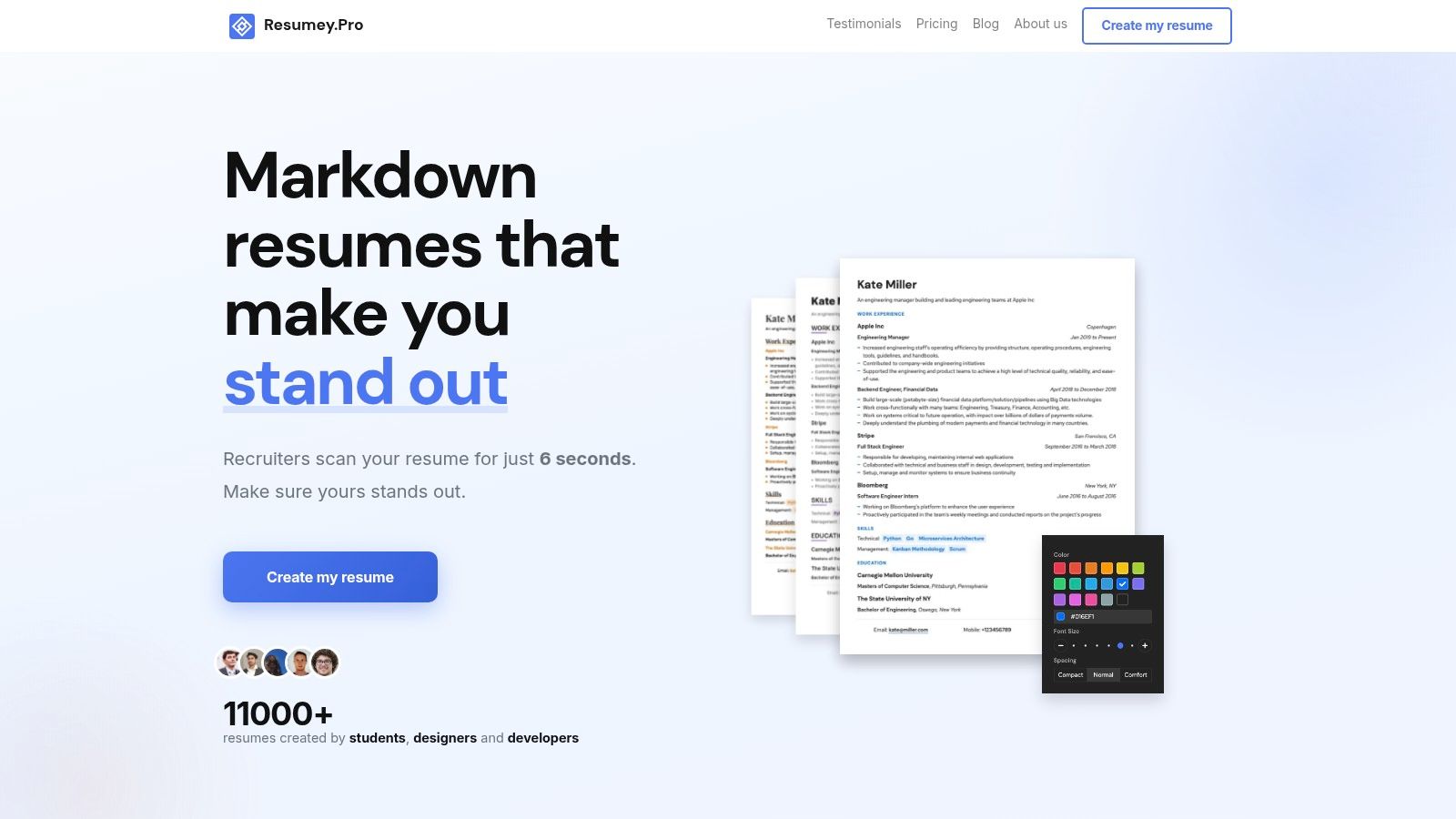
Resumey.Pro is a strong option if JSON Resume feels correct in theory but inefficient in practice. The value is not the schema. The value is keeping resume content clean while changing templates, exporting application-ready files, and maintaining several targeted versions without wrestling with raw JSON.
Its main advantage over JSON Resume is workflow control. You write in Markdown in the browser, keep the source readable, and switch presentation later. That lowers setup effort for people who want structured, portable content but do not want to maintain a schema file, theme layer, and export pipeline just to ship a resume.
That trade-off matters most for candidates who tailor often. A content-first editor makes it easier to keep one base resume for platform roles, one for data work, and another trimmed version for referrals or direct outreach. Resumey.Pro handles that with cloning and template switching, so leaving JSON Resume buys speed and lower maintenance overhead.
Where it fits best
Resumey.Pro fits the low-friction end of this list. It is hosted, quick to start, and easier to operate than a Git, CLI, or YAML setup. Export control is simpler than many visual builders because you are editing plain text structure instead of nudging layout blocks around, which usually produces more predictable ATS-safe output.
Migration friction is also relatively low. If you already have a resume in another format, getting it into a Markdown-based source is straightforward. That is a practical advantage over tools that trap your content inside a proprietary editor state.
Practical rule: If you update your resume monthly and tailor for specific roles, optimize for source clarity first, then pick the template layer.
What you give up
The cost of leaving JSON Resume here is clear. You lose the shared JSON schema and the repo-native workflow that comes with it. If your current process depends on versioning structured resume data in Git, generating outputs locally, or feeding that data into other tooling, Resumey.Pro is less flexible than a local source-controlled stack.
PDF export also sits behind a paid Pro plan. That matters because export control is one of the main reasons to leave JSON Resume in the first place. If you need a fully free path to final PDFs, or if you want every output step to run locally, this is a real limitation, not a minor footnote.
Markdown is the other filter. For technical candidates, that is usually acceptable and often preferable. For someone who wants drag-and-drop editing and no text syntax at all, it will feel like a different class of tool.
A few practical points make it competitive despite those limits:
- ATS-safe structure: The editing model keeps the resume close to plain text, which reduces layout artifacts that often appear in heavily designed builders.
- Version branching: Cloning is useful when you maintain several role-specific variants and want to avoid formatting drift.
- Template flexibility: You can change presentation without rewriting the underlying content.
- Lower setup effort: No local toolchain, schema editing, or theme configuration is required to get started.
I would put Resumey.Pro near the top for candidates who want to leave JSON Resume for something easier to maintain, but not for something less structured. It makes the strongest case when ATS-safe output, fast edits, and low migration friction matter more than local automation or strict data portability.
2. Reactive Resume
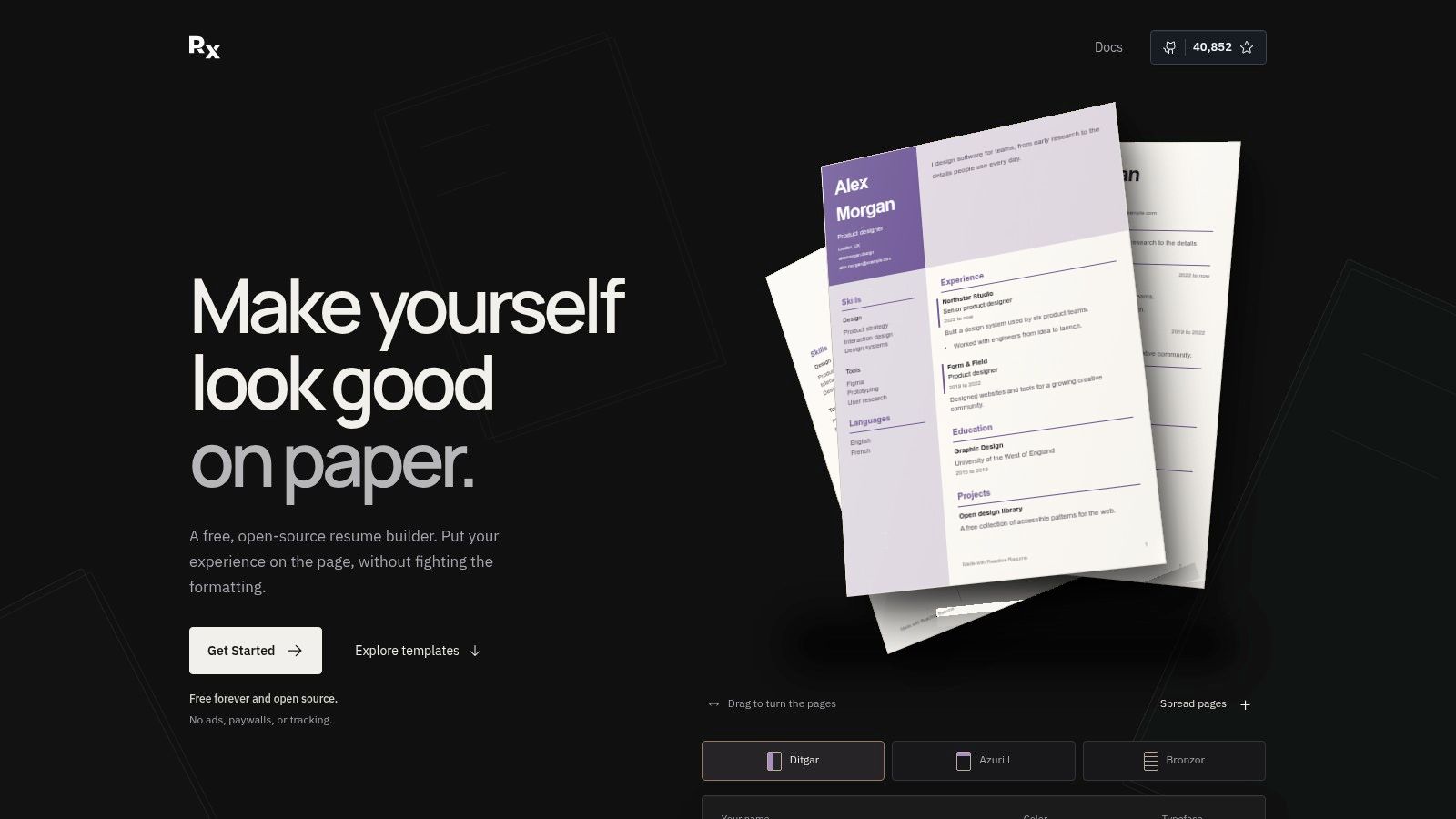
Reactive Resume sits close to JSON Resume philosophically, but it's easier to live with day to day. You get a hosted app, a polished editor, self-hosting if you want it, and import/export paths that keep structured data in the picture.
That combination matters if you like the idea of machine-readable resume data but don't want to hand-edit JSON files or maintain a CLI pipeline. It feels more like an app and less like a format project.
Where it fits best
Reactive Resume is a strong middle ground for technical users who still want a visual editor. It handles common resume tasks well, and it does it without forcing you into a drag-heavy, design-first workflow. The public link model is also useful if you send web versions to hiring managers or maintain a shareable profile.
The cost is operational if you care about control. The hosted option is easy. The self-host option means you own backups, updates, and deployment. That's not hard for many developers, but it is extra work compared with a fully managed builder.
- Best for: Structured-data fans who still want a browser UI.
- Less ideal for: People who want Markdown-native editing or completely local plain-text files.
- Trade-off: More convenient than raw JSON Resume, less lightweight than a pure source-controlled text workflow.
Reactive Resume is the easiest recommendation for someone who wants to stay adjacent to the JSON Resume ecosystem without staying stuck in it.
3. FlowCV
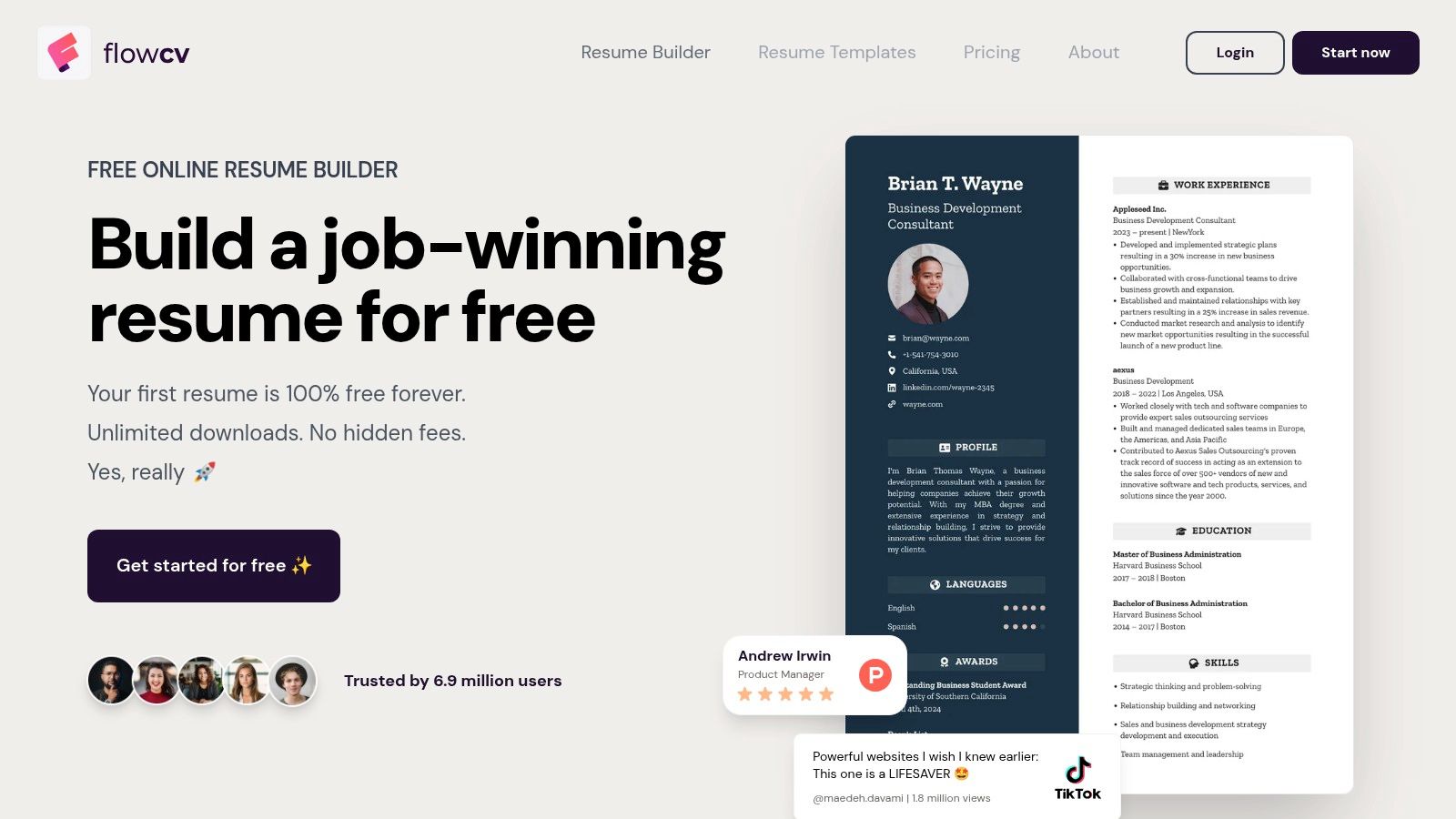
FlowCV is what I recommend when the reason for leaving JSON Resume is simple friction. You want a clean PDF fast. You don't want schemas, local tooling, or file conversion projects.
That makes FlowCV a very different kind of JSON Resume alternative. It trades portability for speed.
The practical trade-off
FlowCV's strength is low setup effort. Open the app, fill sections, export the file, move on. For applicants sending a lot of resumes under time pressure, that can be enough.
The cost is that your resume source becomes less portable between systems. You don't get the same durable plain-text ownership that you get from Markdown or YAML. If your process includes versioning resumes, comparing diffs, or maintaining a master source in Git, FlowCV will feel shallow pretty quickly.
A useful direct comparison is our own breakdown of Resumey.Pro vs FlowCV. The short version is that FlowCV is easier if all you want is visual speed. It's weaker if you care about content-first editing and maintaining many role-specific versions cleanly.
FlowCV is for fast output. It's not for people who want their resume workflow to behave like a maintainable text project.
Use it when visual editing matters more than source portability.
4. Standard Resume
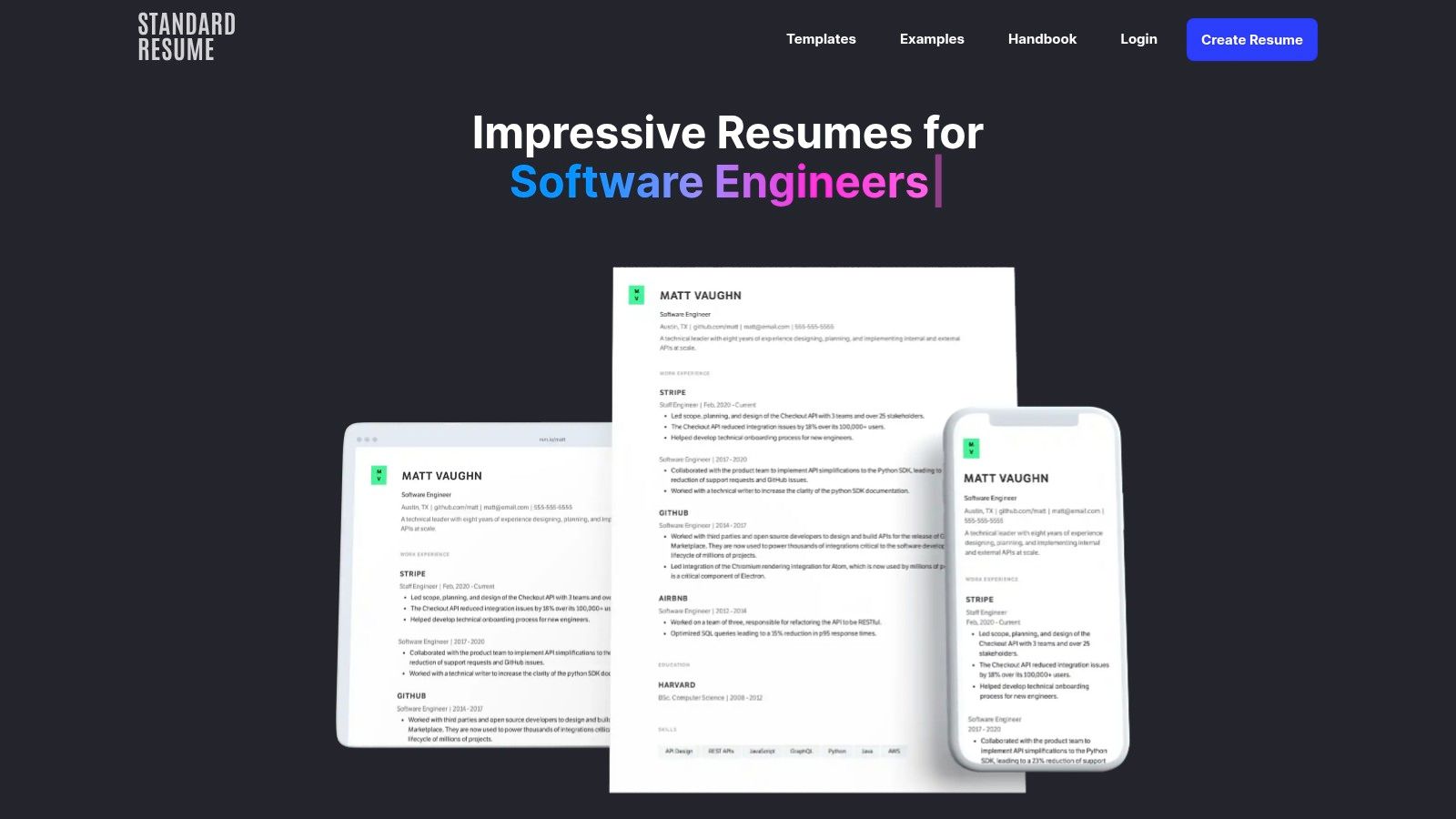
Standard Resume has been around long enough to earn a specific kind of trust. It doesn't try to be clever. It gives you readable templates, familiar editing, LinkedIn import, and a web-resume option.
For software and engineering applications, that restraint is useful. Fancy formatting still causes real parser problems because non-linear layouts, sidebars, and text boxes can disrupt reading order or get skipped, which is why single-column resumes are more reliably parsed than design-heavy ones.
Who should pick it
Standard Resume works best for candidates who want a stable hosted builder with recruiter-friendly output and don't care much about owning the underlying source format. It's also one of the easier transitions for someone moving off Word or LinkedIn exports.
The cost is control. You won't get a schema-driven workflow, deep automation, or local source files that plug naturally into Git. Portability is mostly about copying content back out, not taking a durable source format with you.
- Strength: Clean, readable output with low mental overhead.
- Weakness: Less flexible for developers who manage multiple resume variants as source files.
- Best use case: A straightforward, professional resume pipeline with minimal setup.
If JSON Resume feels too technical and Canva-style builders feel too decorative, Standard Resume lands in a sensible middle.
5. OpenResume
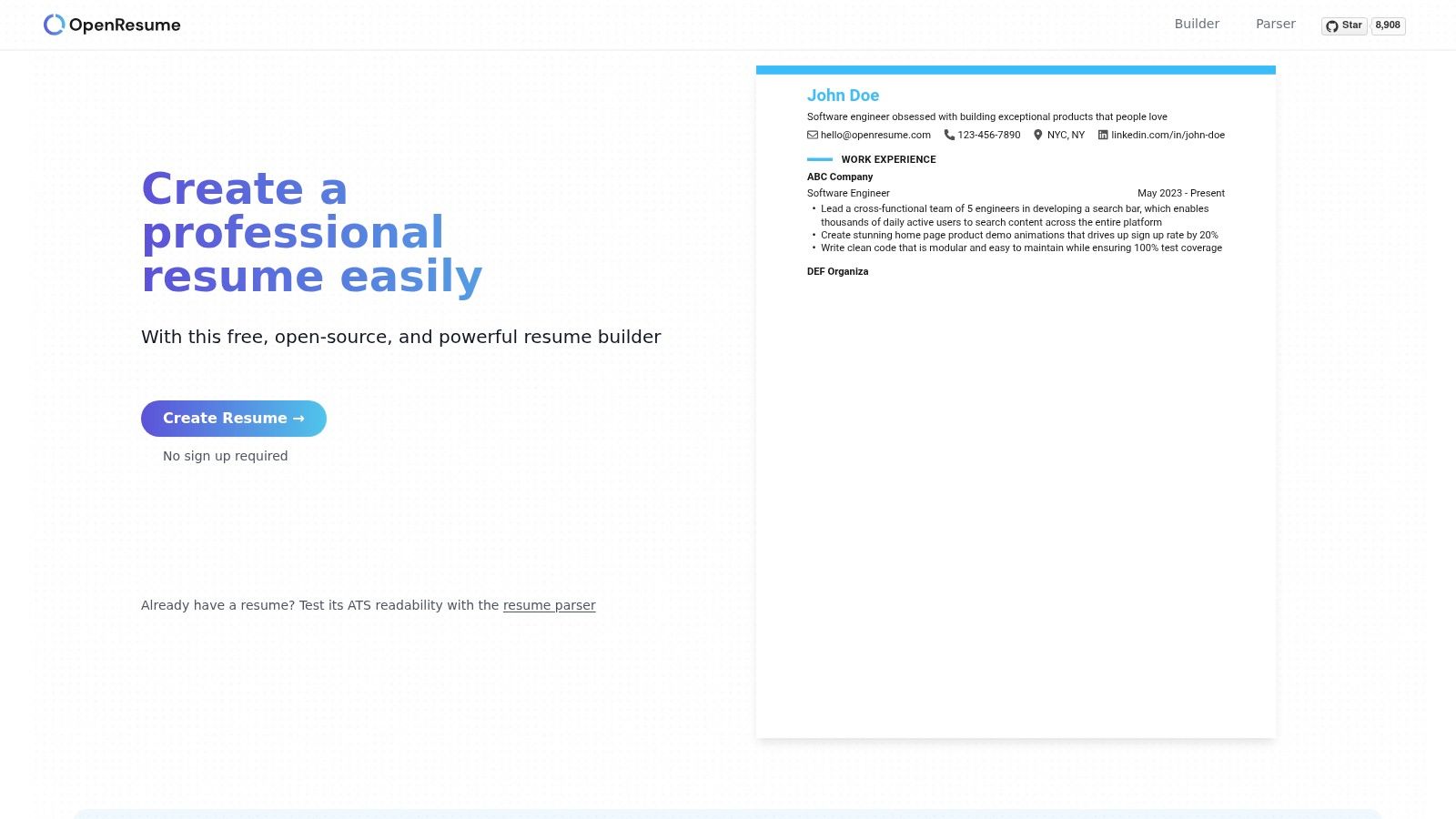
OpenResume is one of the few JSON Resume alternatives where leaving your current workflow can reduce friction. Open the site, work in the browser, keep your data local, and export a usable resume without creating another account.
That trade-off is specific. You gain privacy and speed, but you are not getting the source-controlled, schema-first workflow that attracts developers to JSON Resume in the first place.
For someone judging alternatives by exit cost from JSON Resume, OpenResume sits in an unusual middle. Its ATS-safe output is generally the main reason to use it. The layouts stay readable, and the editor does not push you toward the kind of decorative formatting that often causes parsing problems. Export control is simpler than in many hosted builders because you can generate output directly, but portability is still weaker than a plain source file you own in Git. Your content lives in the browser session and exports, not in a durable text format built for long-term maintenance.
The migration story is better than expected. If you already have a PDF resume, OpenResume lets you parse it, clean it up, and test revisions quickly. That makes it useful as a reset tool after a messy Word or Canva resume, or as a temporary stop between systems.
Where it falls short is repeatability. Managing multiple role-specific versions gets tedious faster here than in YAML, Markdown, or a CLI workflow. Template flexibility is decent for basic needs, but limited if you want to tune layout behavior, automate updates, or keep several variants under version control.
A practical way to read OpenResume is as a low-setup checkpoint:
- Use it if privacy matters, setup needs to stay near zero, and you want fast ATS-friendly exports.
- Skip it if your main reason for leaving JSON Resume is to get better source ownership, branching, or automation.
- Expect low migration friction in, but moderate friction back out into a developer-style resume pipeline later.
OpenResume works best as a browser-based workbench. It is fast, private, and useful for cleanup. It is less convincing as the resume system you maintain for years.
6. RenderCV
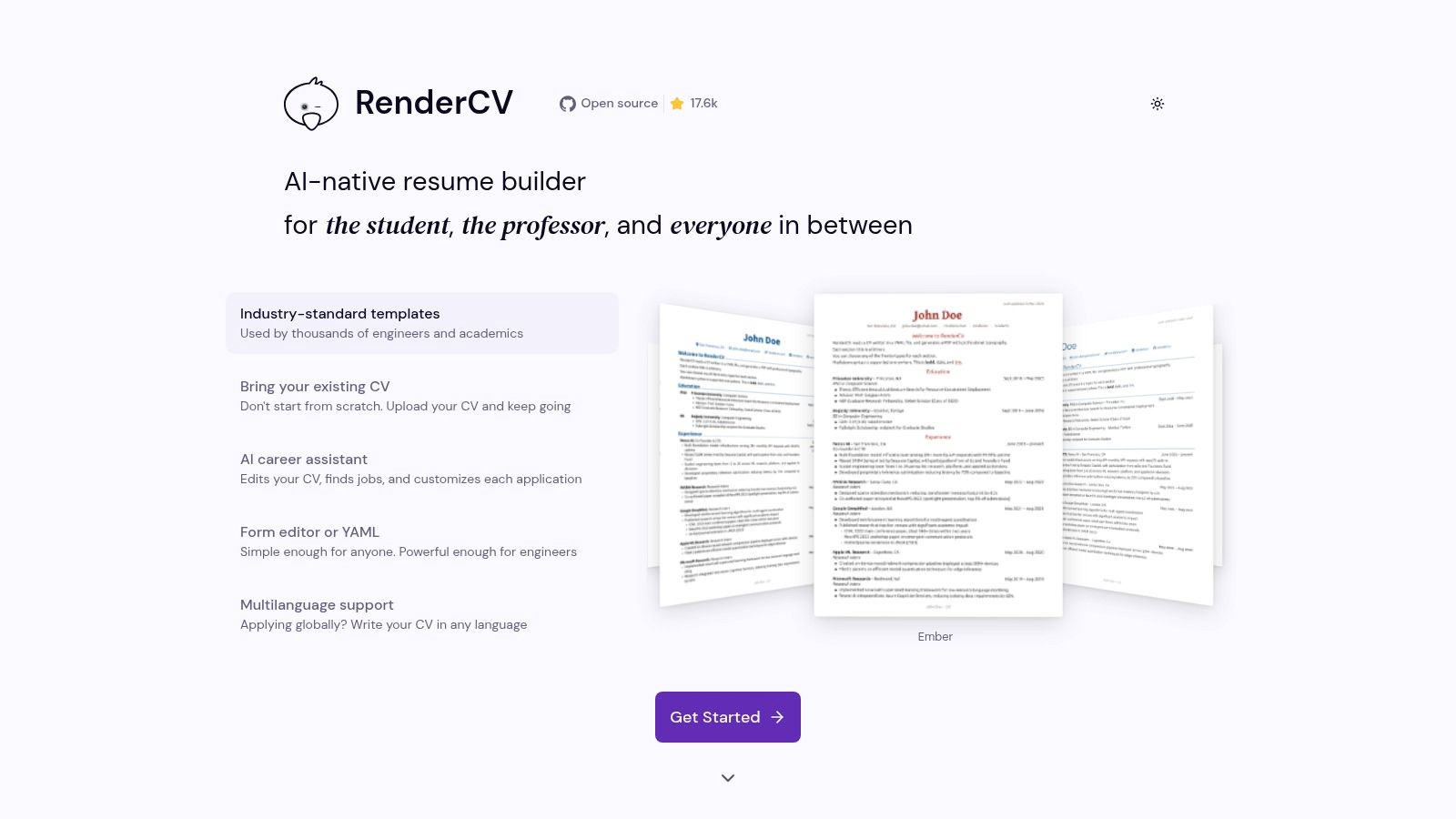
RenderCV is one of the few alternatives that lowers long-term maintenance cost instead of just changing the editor.
The appeal is straightforward. You keep a structured source file, generate your own exports, and avoid the lock-in that comes with browser-only builders. For someone leaving JSON Resume, that matters more than a nicer interface. The question is whether the switch improves ATS-safe output, control over exports, and day-to-day editing without creating too much setup overhead.
RenderCV does a better job on source ownership than any hosted option in the earlier part of this list. A YAML file in a repo is easy to diff, branch, review, and back up. It is also easier to write in than JSON. Resume bullets change often, and YAML is less irritating to maintain when you are editing dates, summaries, and nested sections by hand.
Its strongest case is export control. You run the build locally, so you decide when files are generated and where they live. That makes RenderCV a better fit for applicants who maintain several role-specific versions and want predictable outputs for each one. If your current JSON Resume setup already lives in Git, migration friction is fairly low because the working habits stay similar even though the schema changes.
The trade-off shows up immediately in setup effort. RenderCV is a toolchain, not a quick form. You need to install it, learn its structure, and accept that template changes are tied to a more technical workflow. That is a good trade if you care about repeatability. It is a bad trade if you want instant visual editing or if your resume updates happen on borrowed laptops, phones, or rushed application sessions.
Template flexibility sits in the middle. You get more control than most hosted builders because your source is local and structured, but less freedom than a fully hand-rolled LaTeX or Markdown pipeline. In practice, that middle ground is useful. It covers the common need: clean PDF output, consistent formatting, and enough structure to reuse content across variants without manually rebuilding each resume from scratch.
RenderCV makes sense for a specific type of move away from JSON Resume:
- Keep it on the shortlist if you want local files, Git-friendly versioning, and tighter control over exports.
- Skip it if low setup effort is the top priority.
- Expect moderate migration friction in, then lower maintenance friction once the workflow is set up.
I would put RenderCV in the "serious but still practical" tier. It asks for more effort upfront than a hosted builder, but it pays that back if you treat your resume like a maintained document instead of a one-off export.
7. YAMLResume
YAMLResume earns its place for one practical reason: it gives you structured source files and DOCX output in the same workflow.
That matters more than many resume roundups admit. PDF is still the cleanest format for preserving layout, but employer systems do not always reward the prettiest export. Enterprise portals such as Taleo and Workday often re-parse DOCX more cleanly than image-based or poorly generated PDFs, which makes YAMLResume's dual-output approach useful for high-volume applications. The same issue shows up when a recruiter asks for an editable copy before passing your resume into an internal review process.
The format question is not settled either. Some ATS guidance still recommends DOCX unless an employer explicitly requests PDF, especially when PDF generation quality is uncertain, as discussed in this ATS resume format analysis.
From a migration standpoint, YAMLResume sits in a specific spot. It gives up direct JSON Resume portability, so leaving your current setup is not friction-free. You will need to map fields into a new schema and check how your existing sections translate. The payoff is better export control if DOCX is part of your application process, plus a source format that stays readable in Git and easy to edit locally.
The trade-off is straightforward. Setup effort is higher than with hosted builders, and template flexibility depends on how comfortable you are working through a CLI-based tool instead of a visual editor. But if the question is "what do I gain by leaving JSON Resume," YAMLResume has a clear answer: more control over the file types employers ask for, without giving up a structured, versionable source.
Choose YAMLResume if ATS-safe output and DOCX availability matter more than low-friction setup. Skip it if browser editing, instant previews, or staying close to the JSON Resume ecosystem matter more.
8. FluentCV
FluentCV on GitHub is the migration and conversion specialist in this list. If you already have a resume.json and don't want to throw that investment away, FluentCV gives you more ways to repurpose it than most tools.
It reads and writes JSON Resume and FRESH schemas, and it can emit several output formats. That makes it useful in a very particular scenario: keeping one structured source while broadening where and how you render it.
The right reason to choose it
FluentCV is for people who think in pipelines. It's less about elegant editing and more about conversion power, automation, and compatibility. If you want to script builds, generate multiple outputs, or migrate between resume schemas without manual copy-paste, it earns its place.
The cost is user experience. This is not the smoothest authoring environment in the roundup. It's a toolchain component, not a polished resume studio.
Keep FluentCV in the stack when conversion is the job. Don't pick it expecting the easiest writing experience.
That distinction matters. FluentCV is valuable because it reduces migration friction, not because it makes writing pleasant.
9. GitResume
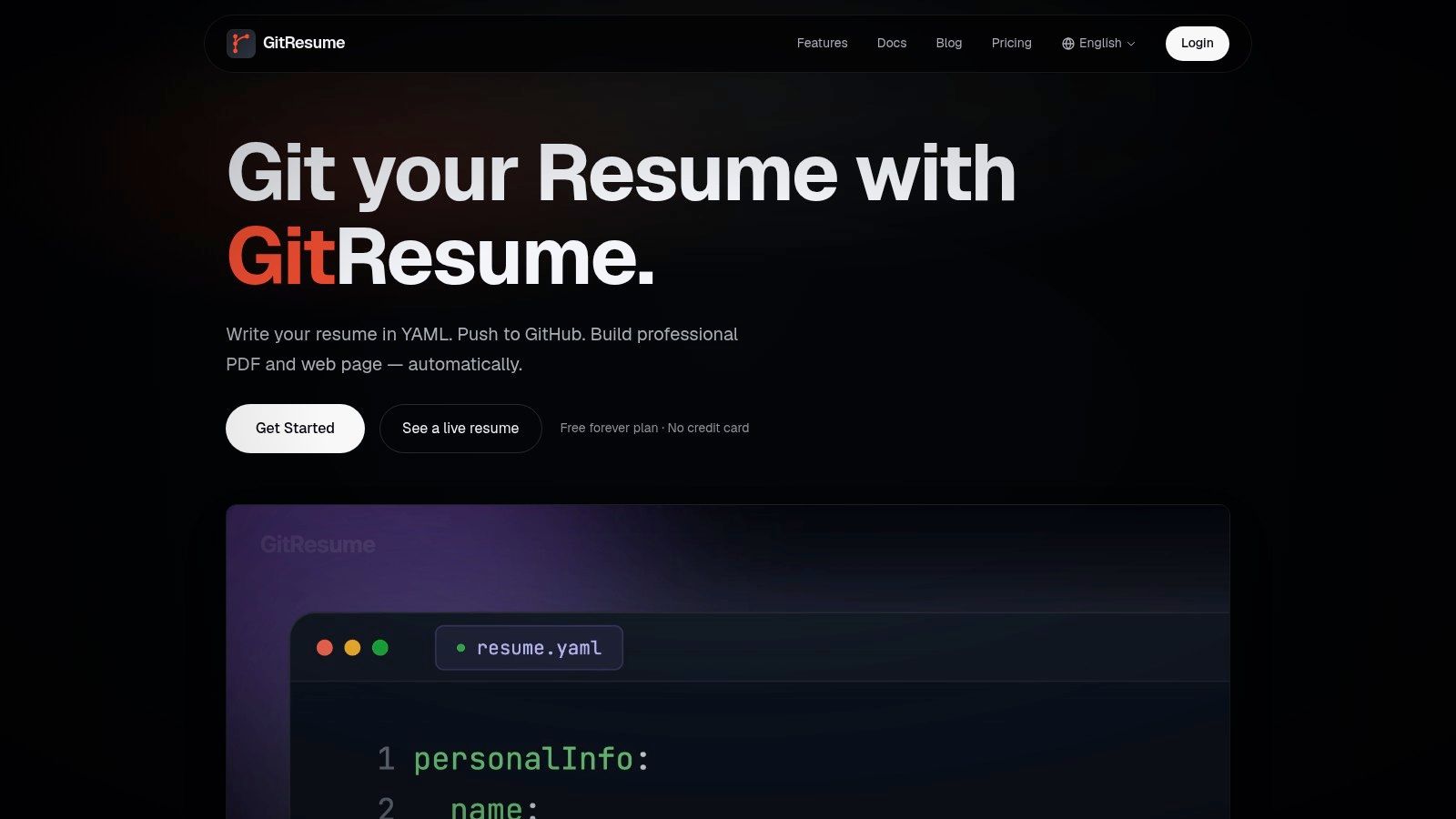
GitResume is for developers who want their resume to behave like a deployed project. Write in YAML, push to GitHub, and let the service rebuild the public page and PDF from each commit.
That sounds niche, but it maps neatly to how some technical candidates already work. Resume branches for different roles. Commit history for revisions. Public profile output tied to a source-controlled pipeline.
What it gets right
GitResume turns version control into the center of the workflow instead of treating it like an afterthought. That's appealing if your resume changes often and you want a repeatable publishing path.
The cost is that the rendering pipeline belongs partly to the service. You get automation and convenience, but less WYSIWYG control than a fully local builder and less plain browser simplicity than a hosted form editor. You also need a GitHub-based setup from the start.
- Strong fit: Developers who already use Git for everything important.
- Weak fit: People who just want to edit a resume in one sitting and export it.
- Trade-off: Better automation and versioning, less immediate visual control.
GitResume makes sense when the workflow itself is the product you care about.
10. Pandoc + Markdown Resume Templates
Pandoc is the most tool-agnostic option here. If you want to leave JSON Resume without entering another resume platform, Markdown plus Pandoc is the cleanest long-term path.
Markdown was built to stay readable as plain text and convert into other formats cleanly. That alone makes it a durable fit for resumes. It's also one reason a Markdown-first workflow often ages better than app-bound resume builders.
Maximum control, maximum ownership
Pandoc works well when you want to keep the source simple and let your build process handle the rest. PDF, HTML, and DOCX can all come from one Markdown file, assuming the templates and toolchain are configured well.
That “assuming” is the cost. Pandoc can become fiddly fast. Template tweaks, PDF engines, font issues, and layout debugging all land on you. If that sounds fine, this route gives you excellent ownership and portability.
For a practical comparison of this approach against a hosted editor, see our breakdown of Pandoc resume workflows vs an online builder. And if the first migration step is extracting content from an existing file, this guide on how to make PDFs editable in Markdown is useful.
A plain field mapping usually looks like this:
- JSON Resume
basics.namebecomes Markdown heading with your name - JSON Resume
basics.summarybecomes a short summary section - JSON Resume
work[]becomes Experience entries with role, company, dates, bullets - JSON Resume
education[]becomes Education entries - JSON Resume
skills[]becomes Skills headings or grouped bullet lists - JSON Resume
projects[]becomes Project entries with links and summaries
Pandoc is the best JSON Resume alternative if you want no platform lock-in and you don't mind building your own system.
Top 10 JSON Resume Alternatives, Comparison
| Product | Core features ✨ | Quality ★ | Price / Value 💰 | Target audience 👥 | USP / Standout |
|---|---|---|---|---|---|
| 🏆 Resumey.Pro | Markdown-first editor; 10 ATS templates; one‑click PDF; cover letters; clone & import | ★★★★☆ | 💰 Free to edit; Pro passes (example 1‑mo $15), pay‑when‑needed | 👥 Devs, engineers, students, global applicants | ✨ ATS-safe, template‑swapable content/design separation |
| Reactive Resume | JSON-Resume import/export; hosted + self‑host | ★★★★☆ | 💰 Free & open‑source | 👥 Privacy-minded users, JSON resume adopters | ✨ Hosted + self‑host options; share links |
| FlowCV | Visual editor; ATS-oriented templates; instant PDFs | ★★★★☆ | 💰 Strong free tier, unlimited PDFs | 👥 Fast creators, engineers wanting quick results | ✨ Low friction; unlimited free PDF exports |
| Standard Resume | LinkedIn import; web + PDF resumes; readable templates | ★★★★☆ | 💰 Freemium (PDF downloads require paid) | 👥 Recruiter-facing candidates, software roles | ✨ Hiring-manager‑approved, simple workflows |
| OpenResume | No-account local storage; PDF parser; ATS checker | ★★★☆☆ | 💰 Free & open‑source | 👥 Privacy-first users, quick ATS checks | ✨ Local‑only storage; parse PDFs without signup |
| RenderCV | YAML input; CLI-first; LaTeX-quality PDFs; multilingual | ★★★★☆ | 💰 Free (tooling/setup required) | 👥 Power users, version-control workflows | ✨ High-quality typesetting; CI-friendly builds |
| YAMLResume | Markdown/YAML + CLI; DOCX & multi-output; schema checks | ★★★★☆ | 💰 Free; local CLI tooling | 👥 Devs needing DOCX & schema validation | ✨ DOCX output + playground; schema validation |
| FluentCV | JSON/FRESH conversion; multi-renderer; scriptable | ★★★★☆ | 💰 Free; CLI + external engines | 👥 Automation/CI users migrating schemas | ✨ Converts between resume schemas; batch builds |
| GitResume | GitHub-driven builds; auto-deploy web + PDF; custom domain | ★★★★☆ | 💰 Free tier; GitHub required | 👥 Developers using Git & CI for resumes | ✨ Auto-build on commit; public web resume deploys |
| Pandoc + Markdown | Markdown source → PDF/HTML/DOCX via Pandoc & LaTeX | ★★★★☆ | 💰 Free; requires Pandoc/LaTeX setup | 👥 Power users preferring toolchain control | ✨ Fully portable, scriptable, vast template ecosystem |
Choose the Workflow You'll Maintain
The wrong way to choose a JSON Resume alternative is by scanning feature grids for the biggest list. The right way is to pick the workflow you'll still maintain after the third version, the fifth application portal, and the inevitable “please upload as DOCX” request.
Resumey.Pro is the best fit when you want Markdown editing, instant template switching, cloning for role-specific versions, import conversion, multilingual output, and reliable PDF export in a browser-based tool. Reactive Resume and OpenResume make sense if free, open-source browser workflows matter more than text-first editing. FlowCV and Standard Resume are better when speed and visual editing matter more than source portability. RenderCV and YAMLResume are stronger for structured YAML, local builds, and repo-friendly maintenance. FluentCV is the specialist pick for schema conversion and broad output support. GitResume is for GitHub-triggered publishing. Pandoc is the deep-control route for people who want their own toolchain end to end.
The cost side should stay visible when you decide:
- Choose hosted visual builders if editing speed matters most. Give up some source portability and automation.
- Choose Markdown-first tools if maintainability and template switching matter most. Give up some visual freedom.
- Choose YAML and CLI tools if version control and local builds matter most. Give up simplicity.
- Choose Pandoc or Git-centric workflows if ownership matters most. Give up convenience.
Migration is usually less dramatic than it looks. Keep the existing JSON Resume file as a backup first. Then map the core fields into the new structure or headings.
A simple content mapping looks like this:
- Profile: name, title, contact links, summary
- Work: role, company, dates, impact bullets
- Education: school, degree, graduation details
- Skills: grouped by category, not packed into visual tables
- Projects: name, link, short summary, stack if relevant
That last point matters because a 2026 ATS parsing report covering 7,040 real documents found that 82.1% of resumes had at least one detected issue, and the most common failure was skills tables flattened into glued text, affecting 42.6% of the sample. Tables still create avoidable parsing damage.
A basic YAML shape can stay this simple:
- basics
- name
- location
- experience
- company
- position
- start_date
- end_date
- highlights
- education
- institution
- degree
- skills
- label
- keywords
- projects
- name
- url
- summary
After mapping, render both versions and compare them in plain text, not just visually. Copy the text out of the PDF and check reading order, heading clarity, and whether dates, names, and bullets survive extraction cleanly. Keep the new source under version control even if the editor is browser-based. It's the easiest way to track variants without losing the master.
For multilingual resumes, be stricter than usual. Right-to-left and non-Latin scripts need real layout support and native section titles, because mixed direction handling and corrupted PDF output can break structure for both humans and ATS systems, as explained in this guide to Arabic and RTL resume formatting. Font choice matters too. Standard body fonts around 10 to 12 pt, with larger headings around 14 to 16 pt, remain the safe range for ATS readability.
The cleanest next move is practical. Import the existing resume into Resumey.Pro, review the generated Markdown, clone versions for target roles, switch templates until the hierarchy reads right, and buy a time-limited Pro pass only when PDF exports are needed.
Resumey.Pro gives you a cleaner way to leave JSON Resume without giving up structure. Import an existing resume, convert it to Markdown, clone role-specific versions, and switch ATS-friendly templates without reformatting everything by hand. Try the workflow at Resumey.Pro.