Craft stand out resumes with our Markdown CV builder
Write once in Markdown, switch between stunning templates, and export ATS-friendly PDFs in seconds. No design skills required.
10 stunning resume templates
From minimalist to bold, find the perfect style for your industry and personality.
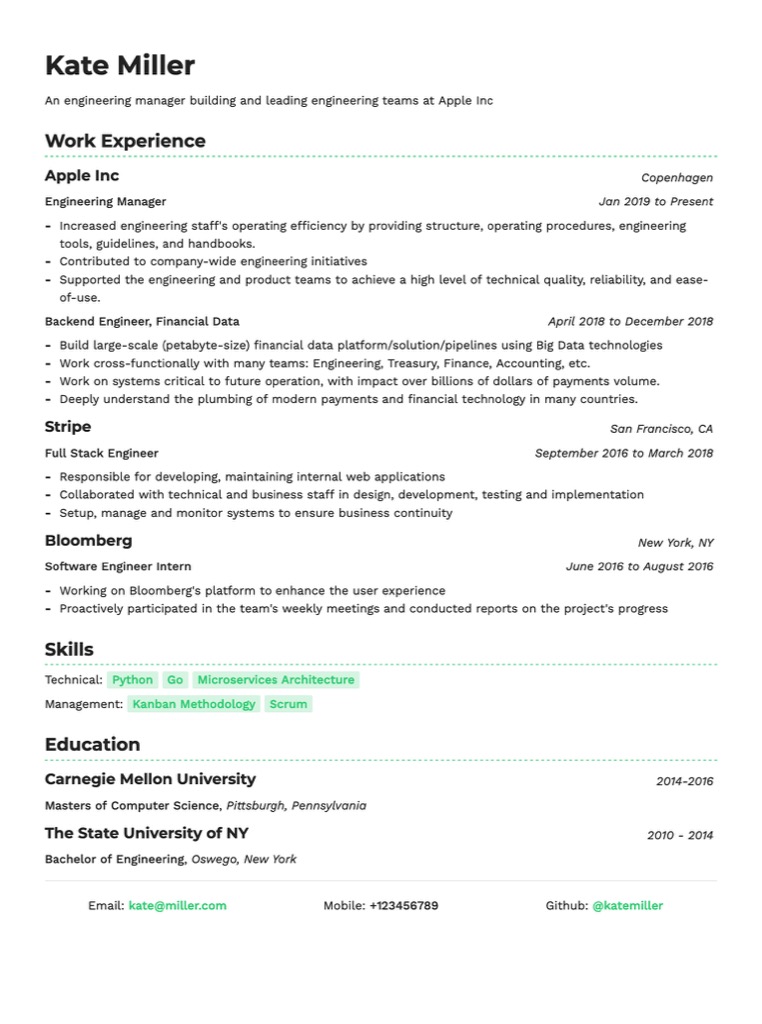
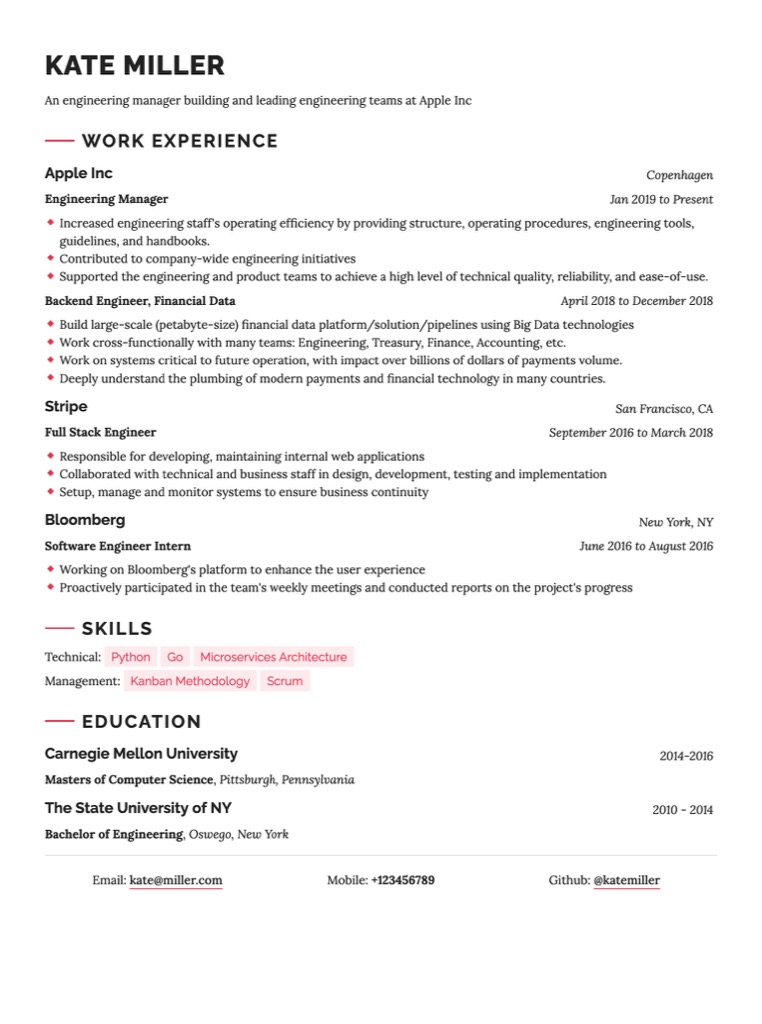
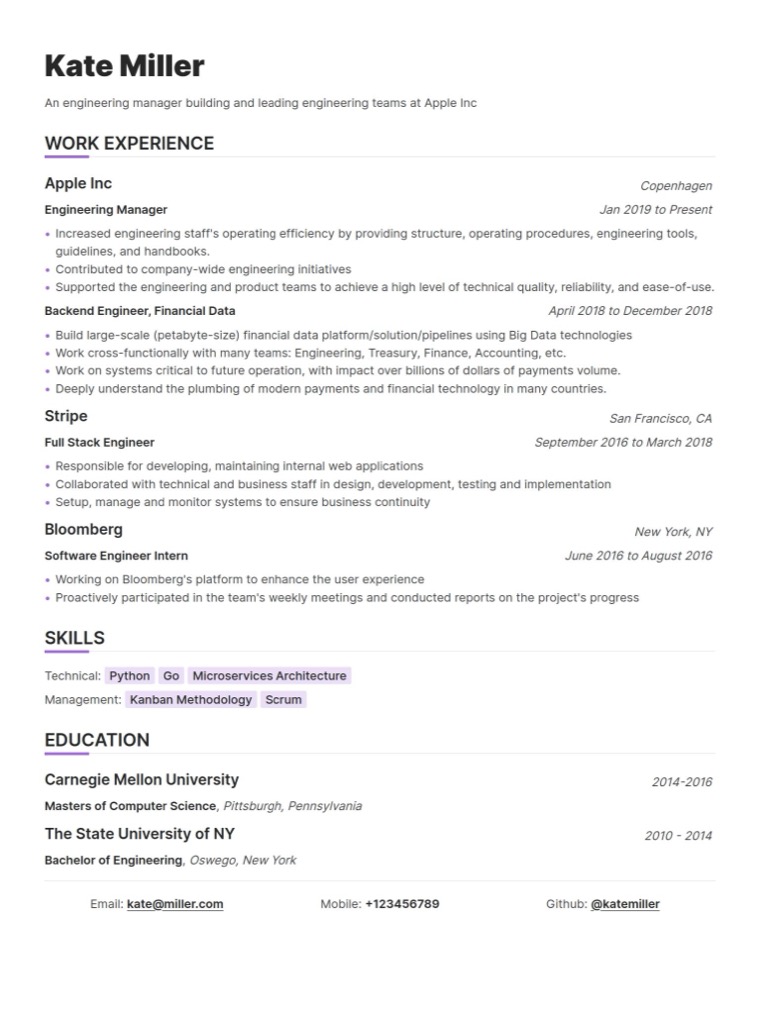
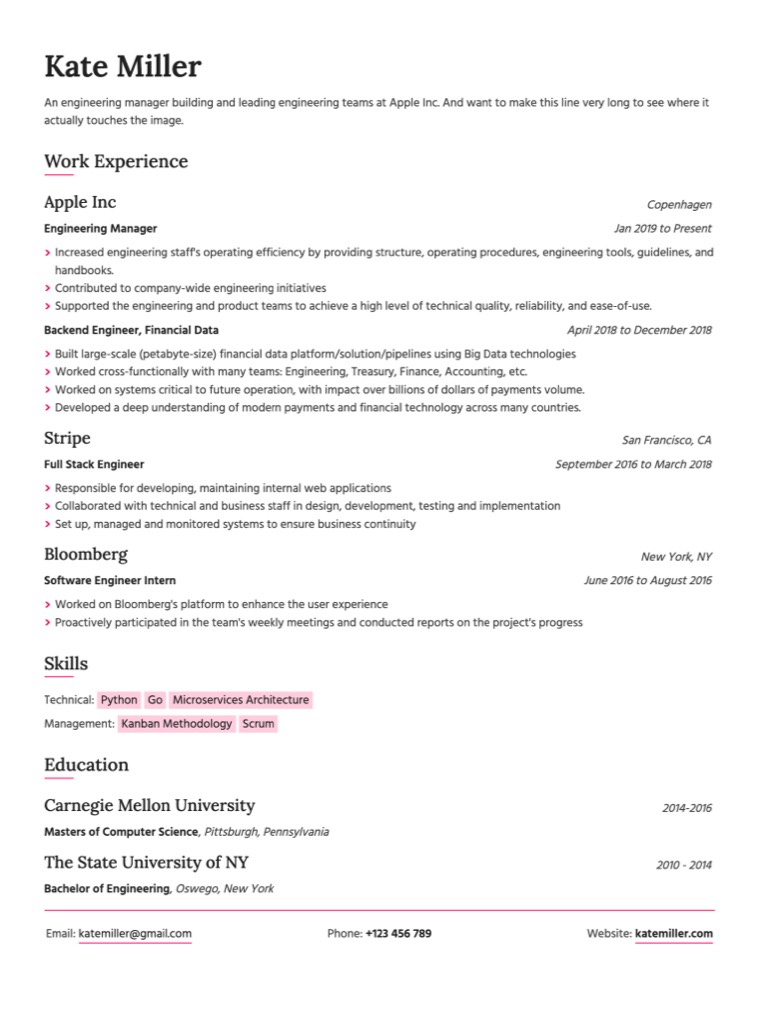
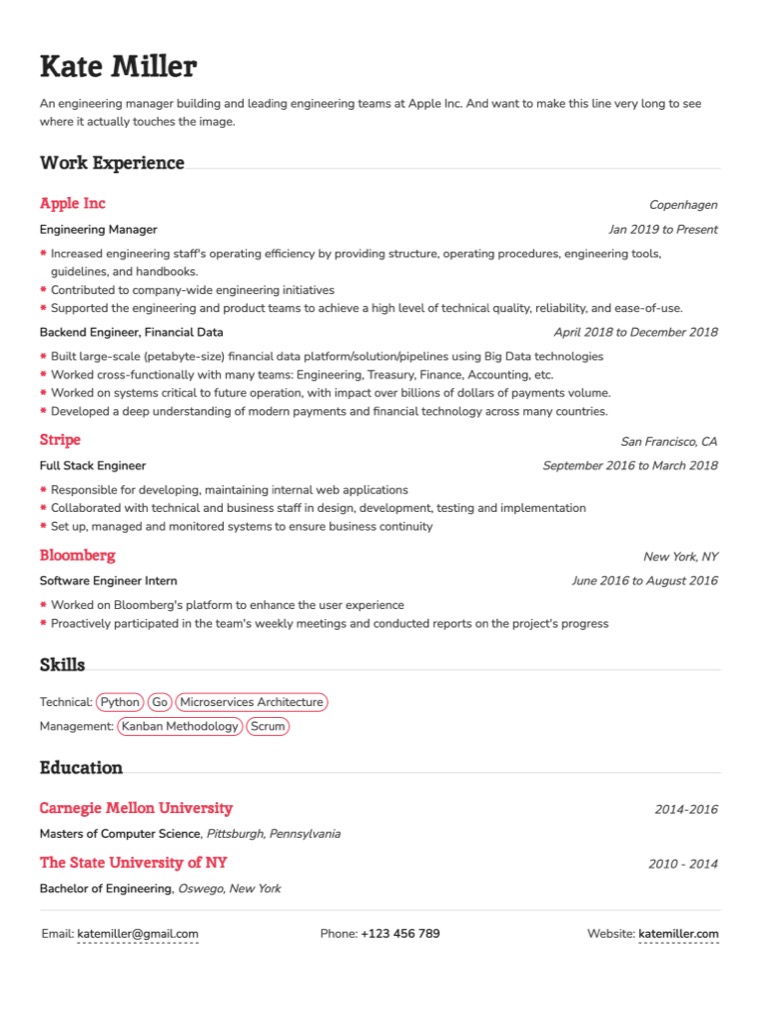
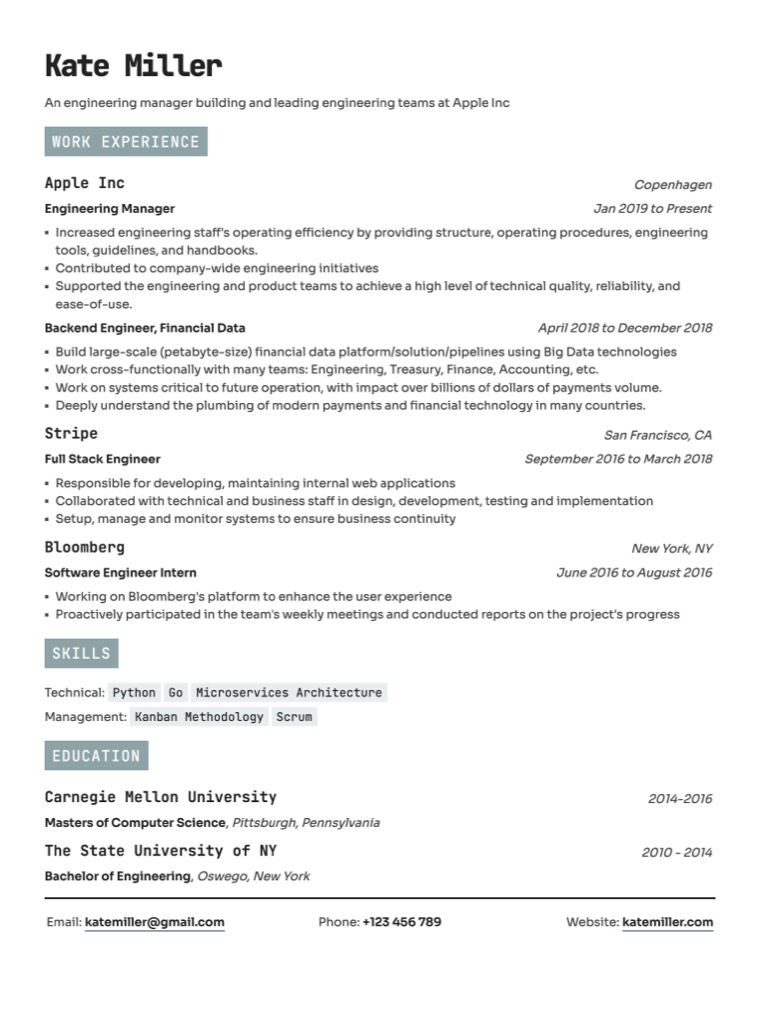
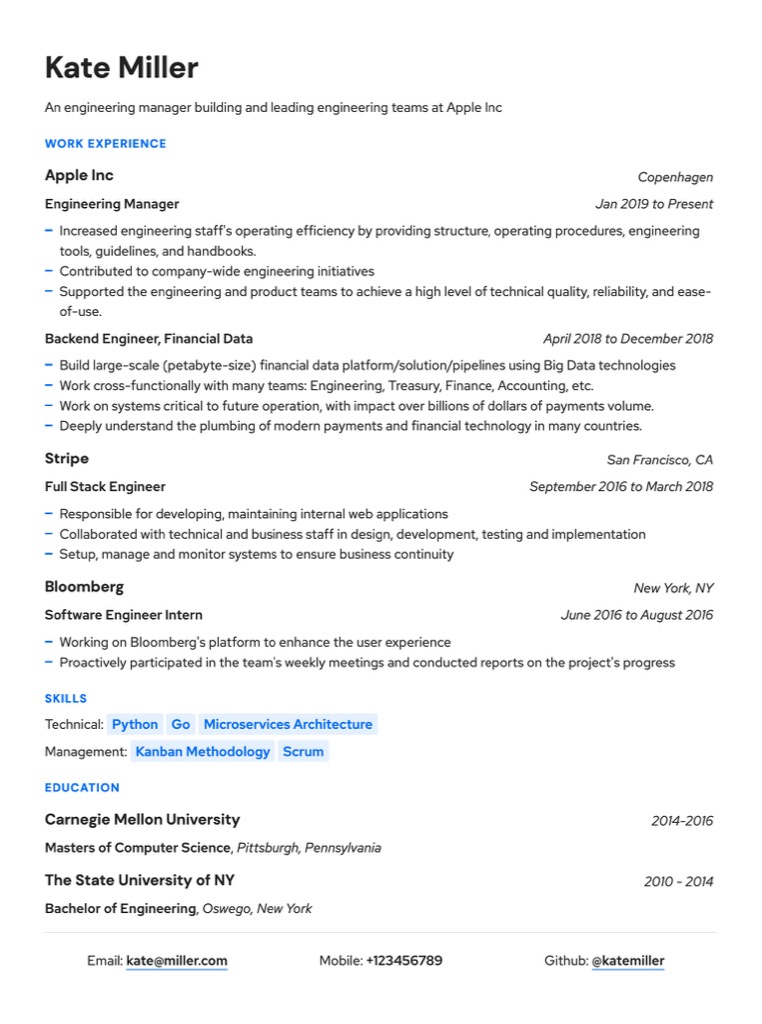
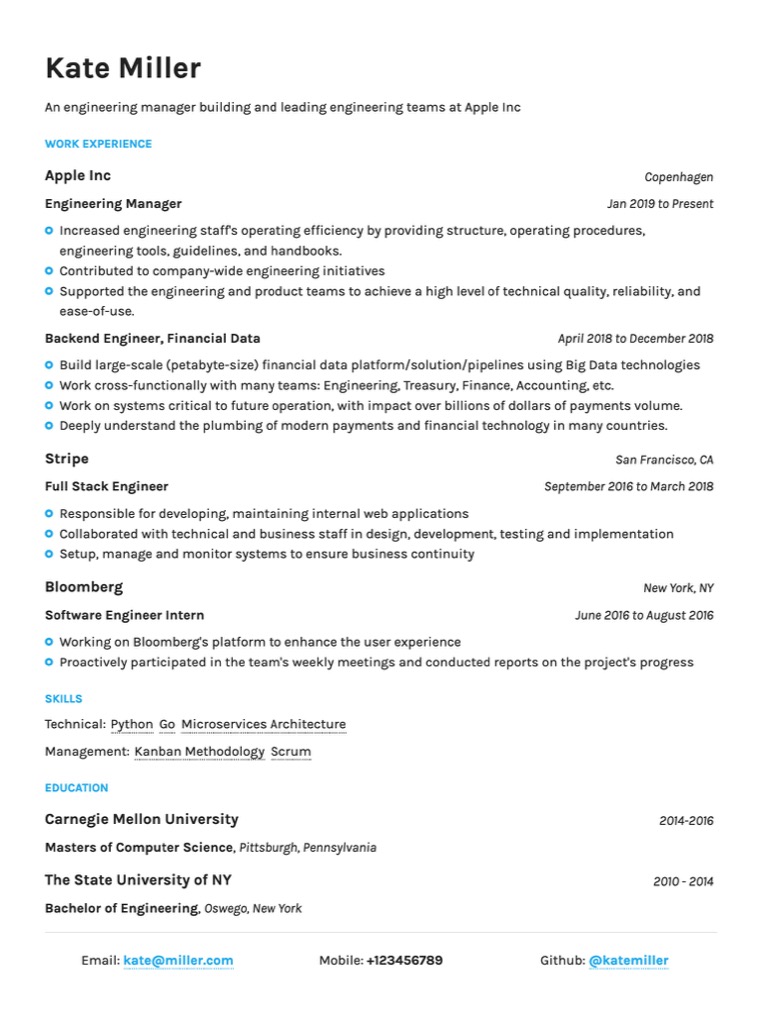
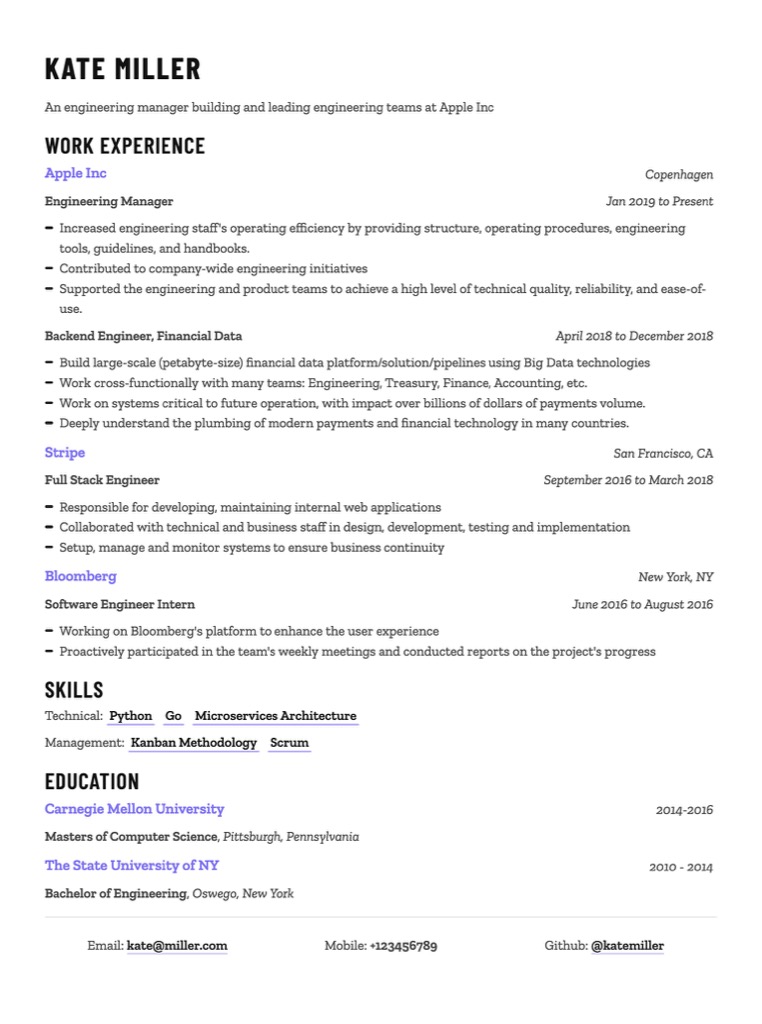
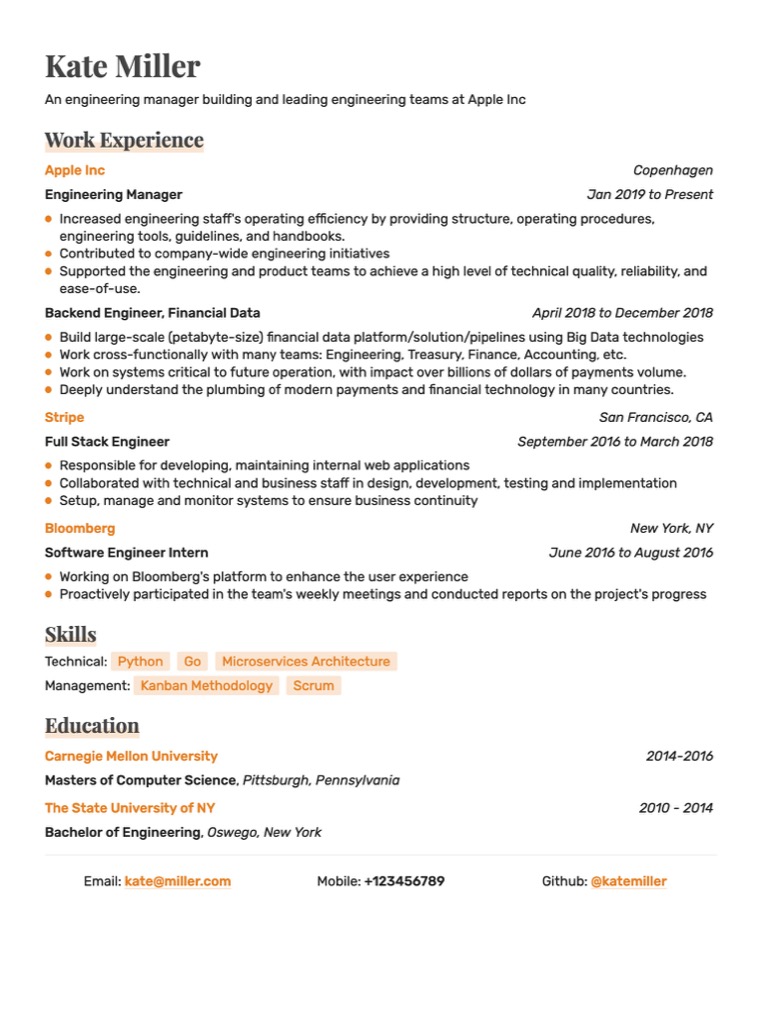
Create a perfect resume with Markdown CV generator
Structure your content
Use Markdown's heading syntax (#, ##, ###, etc.) to structure your resume into sections such as "Experience," "Education," "Skills," and "Projects."
Highlight key achievements
Use Markdown's emphasis syntax (*italic*, **bold**, `inline code`) to highlight key achievements or skills that you want to draw attention to.
Include links
Easily embed links to your online portfolio, GitHub, or LinkedIn profile to provide additional context and credibility using Markdown's URL syntax [text](URL)
Built for modern professionals
Everything you need to create a resume that gets noticed.
Clean and consistent alignment
Markdown's syntax controls spacing and alignment automatically. Move a section, add a bullet, reorder your experience — the layout adjusts without any manual fixes. No more fighting with invisible formatting characters.
Targeted skill highlighting
Markdown's structure makes it easy to create a dedicated skills section that hiring managers and ATS systems both parse cleanly. Use a simple list syntax to present technologies, tools, and competencies in a format that's both human-readable and machine-readable.
Good visual hierarchy
Markdown headings create genuine document structure, not just visual styling. When you write ## Experience, you're creating a semantic section that ATS systems recognise and parse correctly, not just text that looks like a heading.
Why developers choose Markdown over Word
Formatting that never breaks
In Word, pasting content, changing fonts, or moving sections can break your entire layout. In Resumey.Pro, your resume always looks right, no matter how many times you edit it.
ATS-compatible output
Resumey.Pro exports clean, structured PDFs that applicant tracking systems parse without errors.
Update in seconds
Change a job title, add a skill, swap templates. No reformatting required. Your structure is always intact.
Works everywhere
No software to install. Open a browser, paste your Markdown, and get a professional PDF instantly.
Content-design separation
Your words are never tangled up with formatting code. Switch between 10+ templates without rewriting a line.
Beginner-friendly syntax
Never written Markdown before? You'll learn the basics in 5 minutes. Our editor guides you with syntax hints.
Create your Markdown resume in 3 steps
Built for developers. Easy enough for everyone.
Write your resume in Markdown using our live editor
Use # for your name and section headings, ** for bold text, and - for bullet points. Not sure of the syntax? Use the / shortcut to see all available formatting options instantly.
Watch the real-time preview update as you type
Adjust your content, reorder sections, and experiment with structure — all without losing your formatting. Switch between 10+ professional templates with a single click.
Export to a pixel-perfect PDF
Ready to send to employers or upload to LinkedIn. Every export passes ATS screening — no garbled text, no missing sections, no formatting surprises.
Built for developers. Easy enough for everyone.
Resumey.Pro was designed primarily with technical professionals in mind — software engineers, data scientists, DevOps engineers, frontend developers, and product managers who want their resume workflow to feel like the rest of their toolchain. Clean and portable.
But you don't need to be a developer to use it. If you can write an email, you can write a Markdown resume. Non-technical professionals — designers, project managers, recent graduates, and career changers — use Resumey.Pro every day because the editor is simple and the results look genuinely professional.
What is a Markdown CV?
A simple, portable format that separates your content from its presentation — the right way to write a resume.
Create my resumeA Markdown CV is a professional resume written in Markdown — a lightweight text formatting syntax that uses plain characters like # for headings, ** for bold, and - for bullet points. Instead of fighting with Word's auto-formatting or wrestling with InDesign or Canva resume templates, you write your resume as clean, structured text. Resumey.Pro then renders it into a polished, professionally designed PDF.
Markdown was originally created for web writing, but developers and technical professionals quickly discovered it's perfect for resumes too. Your content stays completely separate from the design. This means you can change templates, update a job title, or restructure your experience section without accidentally breaking your formatting.
Common Markdown Resume Problems
Quick fixes for the most frequent issues.
Frequently Asked Questions
Everything you need to know about creating your resume with Markdown.
Ready to create your professional resume?
Join thousands of developers and professionals who trust Resumey.Pro for their career success.