
A one-page Markdown resume is best treated as a content system, not a miniature poster. Page count helps a human scan your experience, but ATS software cares more about clean text, recognizable headings, and reliable reading order. The contestable part is this: Markdown's plain-text structure is a stronger defense against parsing errors than forcing every resume into one page from the start. The cost is real. Keeping a complete source of truth may mean accepting a two-page version for senior or cross-functional roles, or spending more time tailoring content before exporting a compact application copy.
Why One Page Matters for Human Scanners
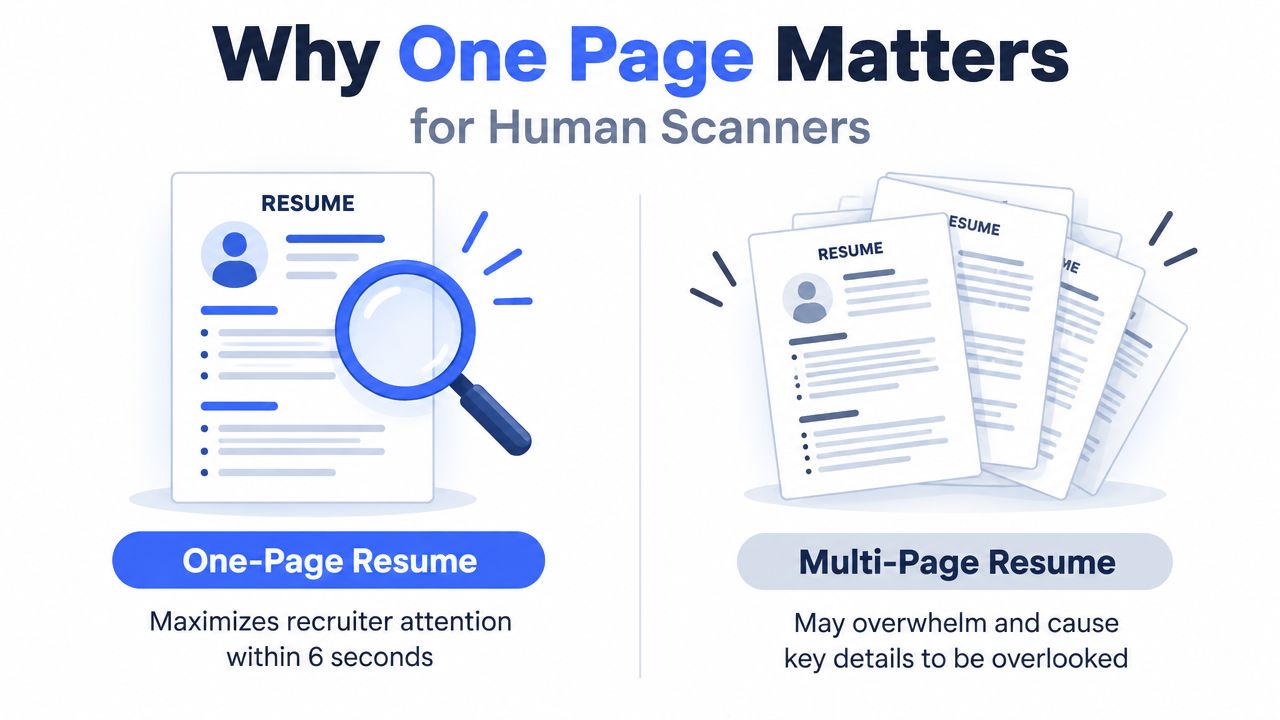
A one-page resume is mainly a human-scan optimization, not an ATS requirement. Parsing systems extract text and classify fields such as your name, experience, skills, and education. They don't award compatibility because a document ends on page one. Clear headings and a predictable top-to-bottom order matter more.
Hiring professionals and applicants also disagree about length. A 2026 survey summary reported that 40.6% of job seekers said their resume is exactly one page, while 51.2% fit everything on one page or less. In the same source, only 21.8% of HR professionals preferred a single-page resume, while 68.3% considered two pages ideal and over 77% preferred two pages or more, according to NovoResume's resume statistics roundup. The practical lesson is simple: a one-page document is common, but it isn't universally preferred.
Brevity has a cost
Compressing a resume only to hit one page can remove the evidence that makes a technical candidate credible. A platform engineer may need to show infrastructure ownership, reliability work, security controls, and automation. A new graduate may need projects, coursework, internships, and practical tools. Removing those details doesn't improve parsing. It can leave a recruiter with a clean document that says too little.
Resume analyses offer useful historical baselines. One dataset found that one-page resumes averaged 287 words, while two-page resumes averaged around 506 words, and another analysis reported that 69% of resumes contained between 200 and 400 words, a range that often fits on one page, as summarized by Flair's resume statistics. Those figures describe common formats, not a universal target.
A one-page constraint is useful when it forces prioritization. It becomes harmful when it hides relevant proof.
For engineers, Markdown makes that trade-off easier to manage. Plain text separates content from presentation, so the master resume can remain complete while an adapted version becomes shorter. That workflow avoids the common Word problem where deleting one line changes spacing across the entire document and encourages decorative fixes such as tiny fonts, narrow margins, or crowded columns.
Structuring Your Markdown Content
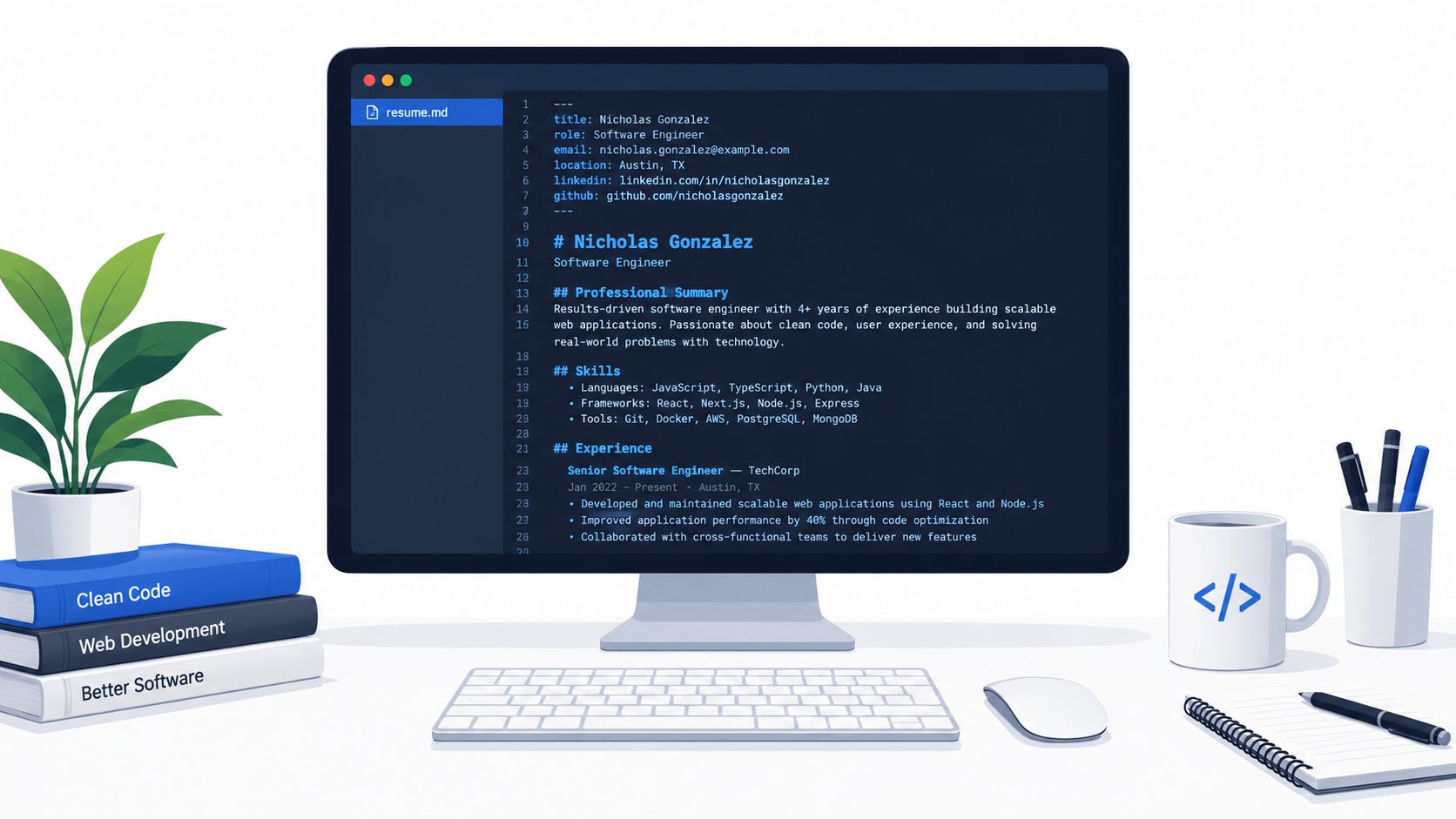
Start with a source file that a parser can read without guessing. Use standard headings, ordinary bullets, and a strict sequence. Avoid tables, text boxes, headers, footers, graphics, and multi-column layouts. Guidance on Markdown resume syntax is useful for keeping the source consistent before any template adds visual styling.
Use semantic structure
A clean file might begin like this:
---
name: Jordan Lee
email: jordan.lee@example.com
phone: +1 555 010 2040
location: Berlin, Germany
links:
  -
  -

---

# Jordan Lee

Platform Engineer

jordan.lee@example.com | +1 555 010 2040 | Berlin, Germany
github.com/jordanlee | linkedin.com/in/jordanlee

## Summary

Platform engineer focused on reliable deployment systems, cloud infrastructure, and developer tooling. Builds repeatable workflows that reduce operational friction and make production changes easier to review.

## Experience

### Platform Engineer, Northstar Systems

Berlin, Germany | 2023 to Present

- Built reusable deployment workflows for containerized services across development and production environments.
- Automated infrastructure provisioning with Terraform and documented recovery procedures for on-call teams.
- Partnered with application engineers to improve observability, release review, and incident follow-up.

### Site Reliability Engineer, Vector Labs

Remote | 2021 to 2023

- Maintained Kubernetes workloads and improved deployment consistency through versioned configuration.
- Created Python utilities for operational checks, log collection, and routine service administration.
- Worked with security engineers to apply least-privilege access across internal systems.

## Skills

Python, Go, Terraform, Kubernetes, Docker, AWS, Linux, GitHub Actions, PostgreSQL, Prometheus

## Projects

### Release Inspector

Python tool that checks deployment manifests for missing metadata and produces review-ready reports.

## Education

### BSc Computer Science, Technical University

Berlin, Germany
The frontmatter can help a renderer map contact fields, but the visible resume still needs readable contact information. Standard section names such as Summary, Experience, Skills, Projects, and Education give both ATS software and recruiters familiar landmarks.
Use bullets for outcomes and scope, not paragraphs describing every responsibility. Plain Markdown emphasis can be useful in a human-facing document, but the source should never depend on bold styling, tables, or visual placement to communicate meaning. For additional technical writing guidance, compare these Underdog.io tips for tech resumes.
The editor workflow can remain visual after the source is clean:
Keep the raw Markdown as the canonical version. A template may change spacing or typography, but it shouldn't change the hierarchy or reorder the content without notice.
Building the Resume in Resumey.Pro
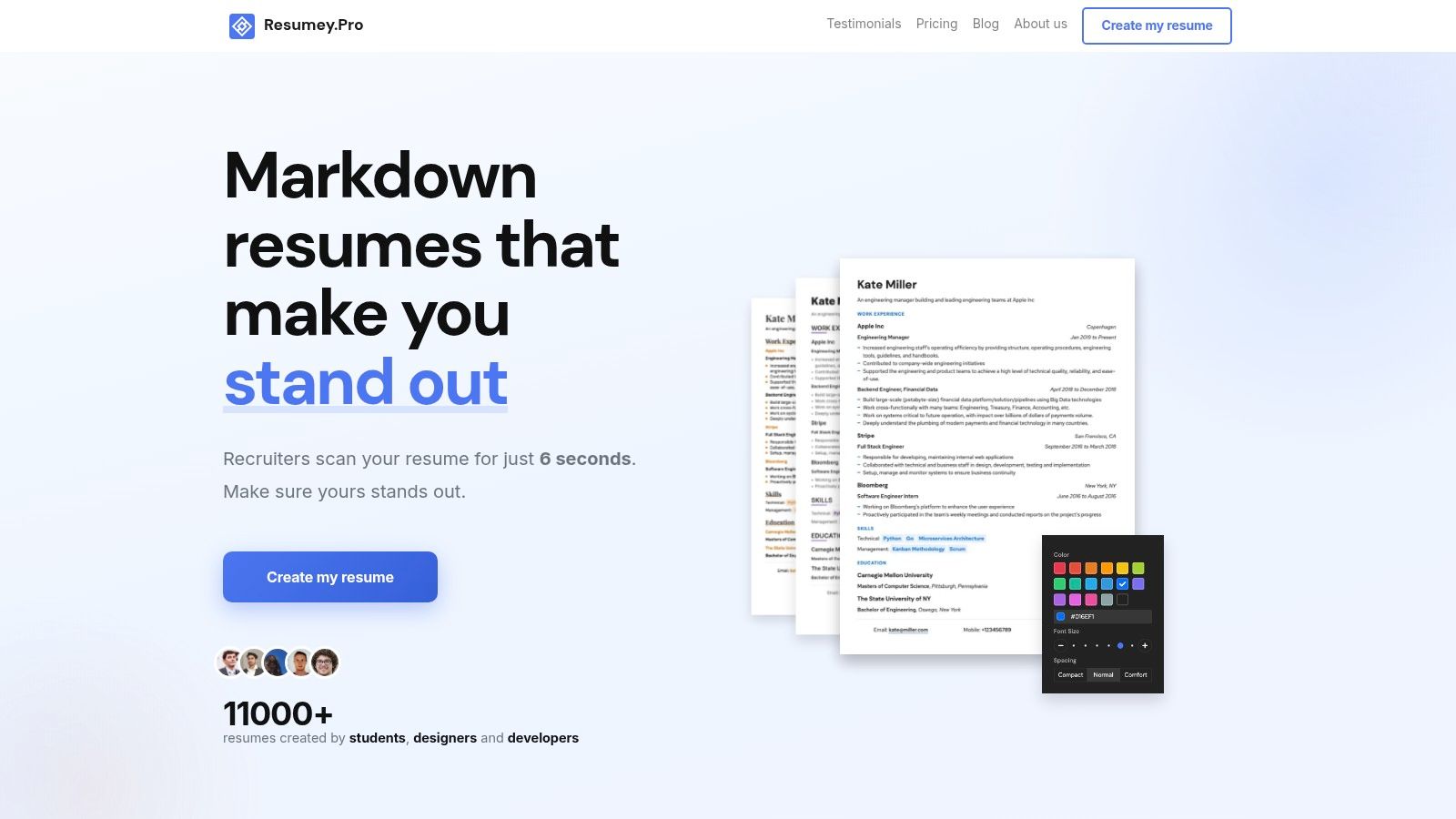
A Markdown source becomes practical when the rendering workflow doesn't force manual layout work. In Resumey.Pro, create a resume document, paste or import the structured content, and inspect the live rendering. The platform supports standard Markdown syntax, real-time preview, and slash commands for quick formatting.
A workable build sequence
-
Create the source. Put the complete content into one document first. Don't begin by shrinking it into a page. Establish the name, contact details, summary, experience, skills, projects, and education in a readable order.
-
Import or paste the Markdown. Automatic conversion can help when moving existing content into structured Markdown, but review every heading and bullet afterward. A conversion is only useful when the resulting text remains semantically clear.
-
Choose a single-column template. Templates such as Altair and Cyrus suit technical resumes because they keep the reading path straightforward. A visually impressive split layout can still create extraction problems when columns are read in the wrong order.
-
Review the hierarchy. Check that job titles, employers, dates, and bullets are visually distinct without relying on text boxes or floating objects. Standard section labels should remain recognizable in the rendered document.
-
Clone before tailoring. Preserve the master document, then clone it for a platform engineering role, a DevOps role, or a site reliability role. Edit the copy's summary, skills emphasis, and selected bullets without damaging the canonical version.
-
Switch templates as a test. Instant template switching reveals whether the content depends on a particular layout. If the resume only works in one design, the source structure needs attention.
The clone feature matters because tailoring creates version risk. A role-specific document may foreground Kubernetes and Terraform, while another emphasizes Python tooling and data infrastructure. Both should draw from the same verified work history.
Keep the source stable. Let role-specific copies carry the edits.
A different workflow may suit candidates who prefer achievement frameworks. For comparison, create a STAR resume with HiredBySkill can help organize evidence around situation, task, action, and result. That approach complements Markdown rather than replacing it. The final source still benefits from ordinary headings and plain text.
Resumey.Pro also supports unlimited pages, so a complete master document doesn't need to be forced into one page. The one-page version should be treated as an output for a particular application, not as a rule that governs every version.
Prioritizing Content for a Single Page
One page works when every line earns its space. Start with the target role, then rank content by relevance, recency, and evidence. A bullet about automating a deployment process is more useful for a DevOps application than a general statement about attending team meetings.
Write bullets around action and consequence:
- Lead with the action: “Automated infrastructure provisioning with Terraform” is clearer than “Responsible for infrastructure.”
- Name the system: Include Kubernetes, PostgreSQL, AWS, GitHub Actions, or the relevant tool when it accurately reflects the work.
- Show the result qualitatively: Explain what changed, such as fewer manual steps, clearer recovery procedures, or more consistent releases. Add exact measurements only when they can be defended.
- Cut duplicated context: The summary, skills list, and experience bullets shouldn't all repeat the same technology without adding evidence.
For early-career candidates, projects can carry substantial weight. Keep the project name, stack, and a concise description of what was built. For experienced candidates, older roles may need fewer bullets, while recent work gets the available space.
What to remove first
Delete content that consumes space without helping a hiring decision:
- Generic objectives: Replace them with a role-specific summary.
- Long duty lists: Keep representative work and remove routine wording.
- Outdated tools: Remove software that no longer supports the target role unless it explains an important career transition.
- Decorative proficiency charts: A parser and a recruiter can use a plain skills list more reliably.
- Cover-letter material: Put motivation and narrative context in the cover letter, not in the resume body.
A technical resume can remain dense without becoming cramped. One analysis cited a word-count sweet spot of roughly 475 to 600 words, with the source reporting that resumes above 600 words were 43% less likely to get hired, while very short and very long resumes had success rates below 5%, compared with 8.2% in that band, as presented by Skillademia's resume statistics. Treat that as a directional benchmark, not a promise. Seniority, market, and role complexity still matter.
Markdown should remain the source of truth. PDF is often the practical delivery format because it preserves the intended page and selectable text, while some older systems may process DOCX more consistently. Follow the employer's requested format when one is specified, and keep a plain-text or DOCX fallback rather than assuming one output works everywhere.
Exporting and Tailoring Your Resume
Exporting is a validation step, not a final button click. Generate the PDF, open it on another device, and inspect both the visible page and the extracted text. A polished layout can still fail when the parser reads a sidebar before the candidate's name or joins separate columns into one sentence.
Use this short release checklist:
- Reading order: Copy the PDF text into a plain-text editor. Confirm that the name, summary, experience, skills, projects, and education appear in the intended sequence.
- Dates and titles: Make sure each employer, role, location, and date remains attached to the correct entry.
- Links: Test GitHub, LinkedIn, portfolio, and project links. Display descriptive URLs rather than hiding the destination inside visual elements.
- Page fit: Check that the one-page version doesn't create orphaned headings, clipped text, or microscopic type.
- Format fallback: Keep a DOCX version when a market or employer requests it. Store the Markdown source separately so future edits don't begin from a flattened PDF.
Tailoring should change emphasis, not invent experience. Match the job description's accurate terminology, move the most relevant skills higher, and rewrite the summary for the role. A backend application may foreground APIs, databases, and testing. A platform application may lead with infrastructure, deployment, observability, and incident response.
Keep versions identifiable by role and date in your own file system. For privacy-conscious distribution, these LinkedIn resume privacy tips offer relevant considerations before posting a document publicly. For the mechanics of parsing and export, use this Markdown resume ATS guide as a final reference.
FAQ
Should a Markdown resume stay in Markdown when I apply?
Keep Markdown as the editable source. Export to PDF or DOCX according to the employer's instructions and the ATS environment, then verify the extracted reading order.
Does a one-page resume work better with an ATS?
Page count isn't the deciding factor. Clear headings, relevant keywords, single-column structure, and a processable file matter more.
Should software engineers always use one page?
No. One page is useful for focused applications and early-career profiles, but a structured two-page resume can be more honest for senior engineers or candidates with substantial projects and certifications.
Which Markdown sections should appear first?
Use a predictable order: header, summary, experience, skills, projects when relevant, and education. Adjust the order only when the role makes another section materially more important.
Can I use tables or columns in the source?
Avoid them for ATS-bound resumes. They can change reading order and make fields harder for parsing software to identify.
Resumey.Pro gives you a browser-based Markdown editor, live rendering, ATS-oriented templates, cloning for role-specific versions, and PDF export. Keep one complete source, clone it for each target role, and use the preview and export checks before sending. Visit Resumey.Pro to build the Markdown resume one page workflow around clean content rather than fragile layout fixes.